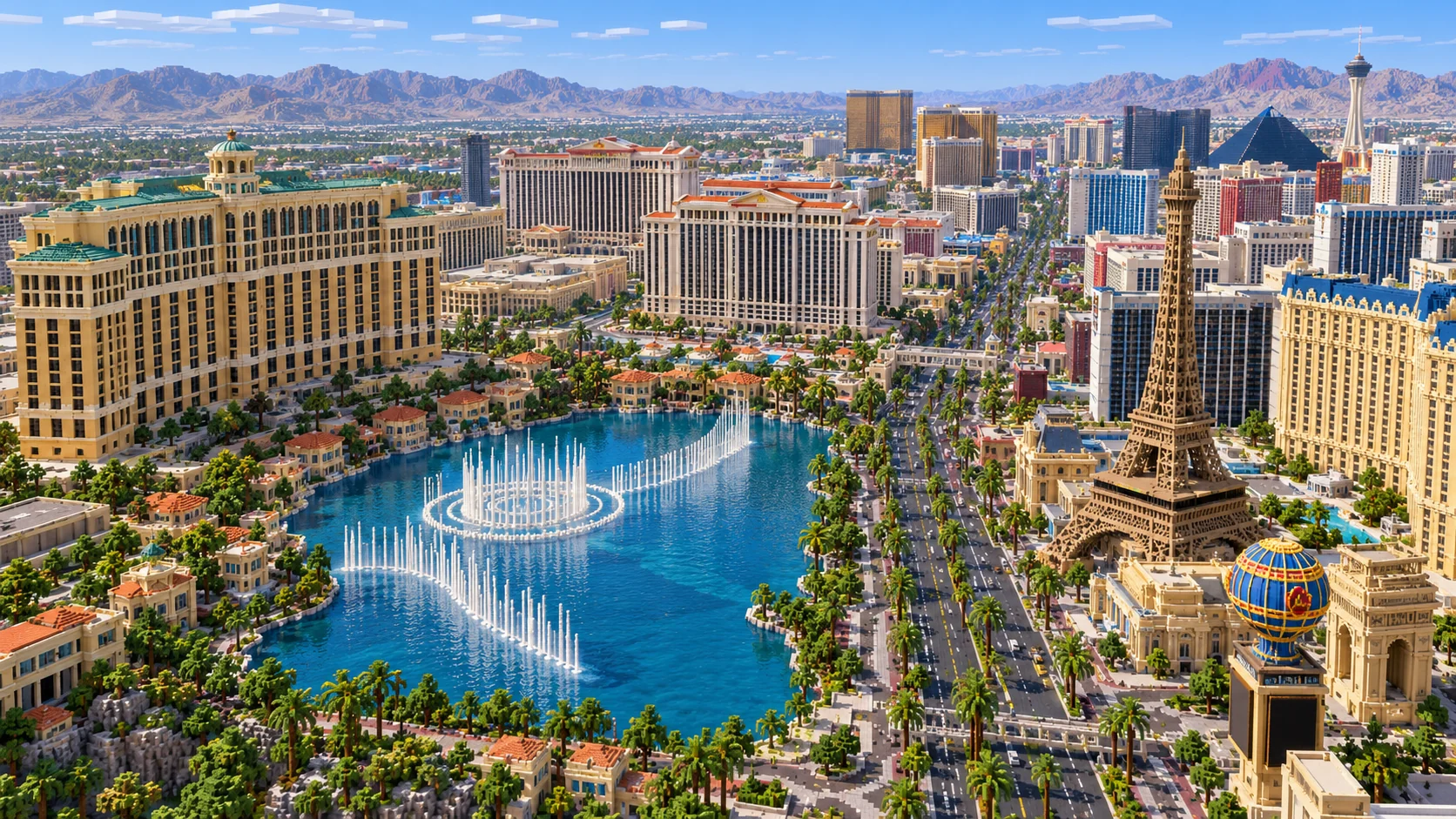
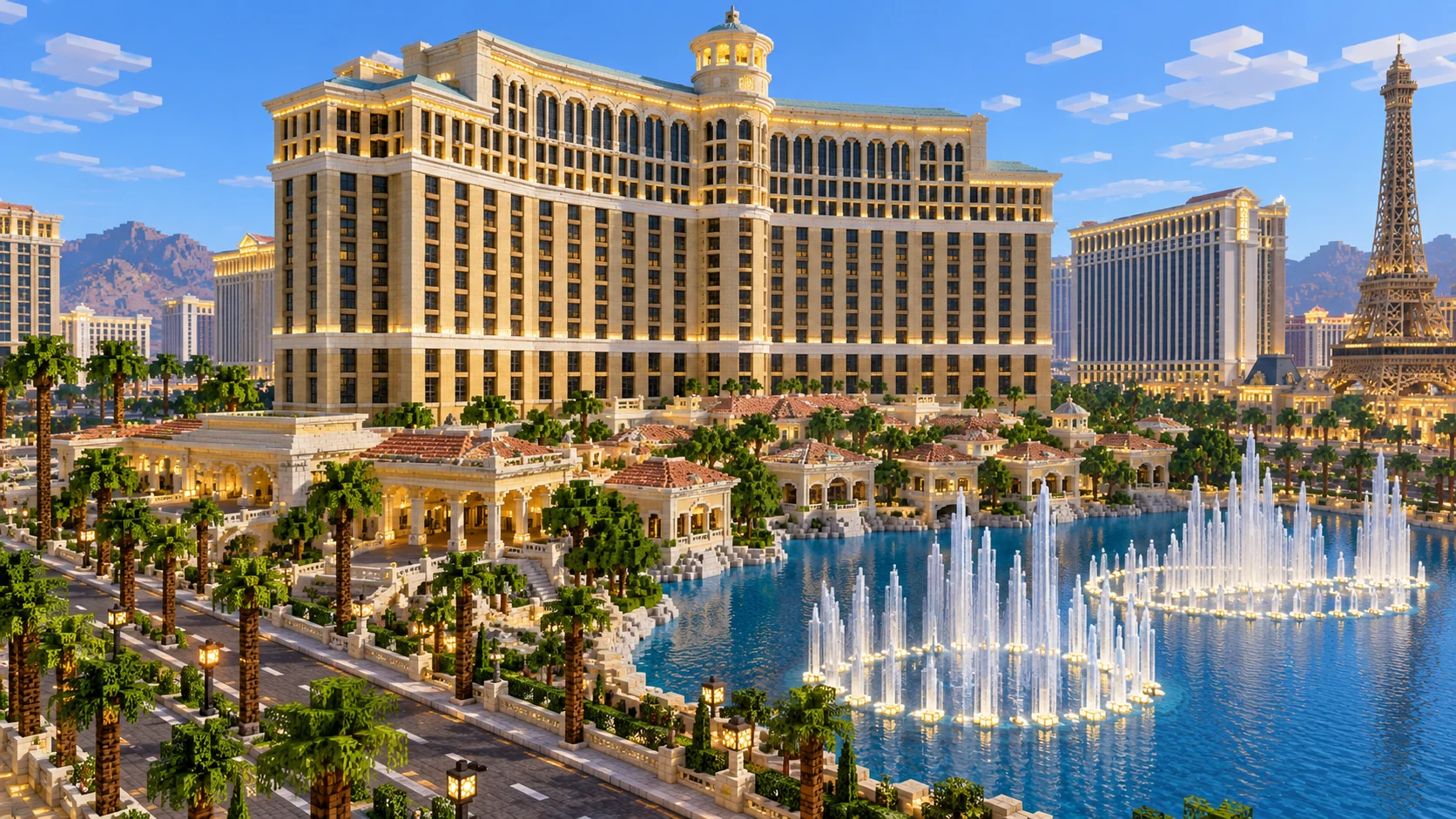
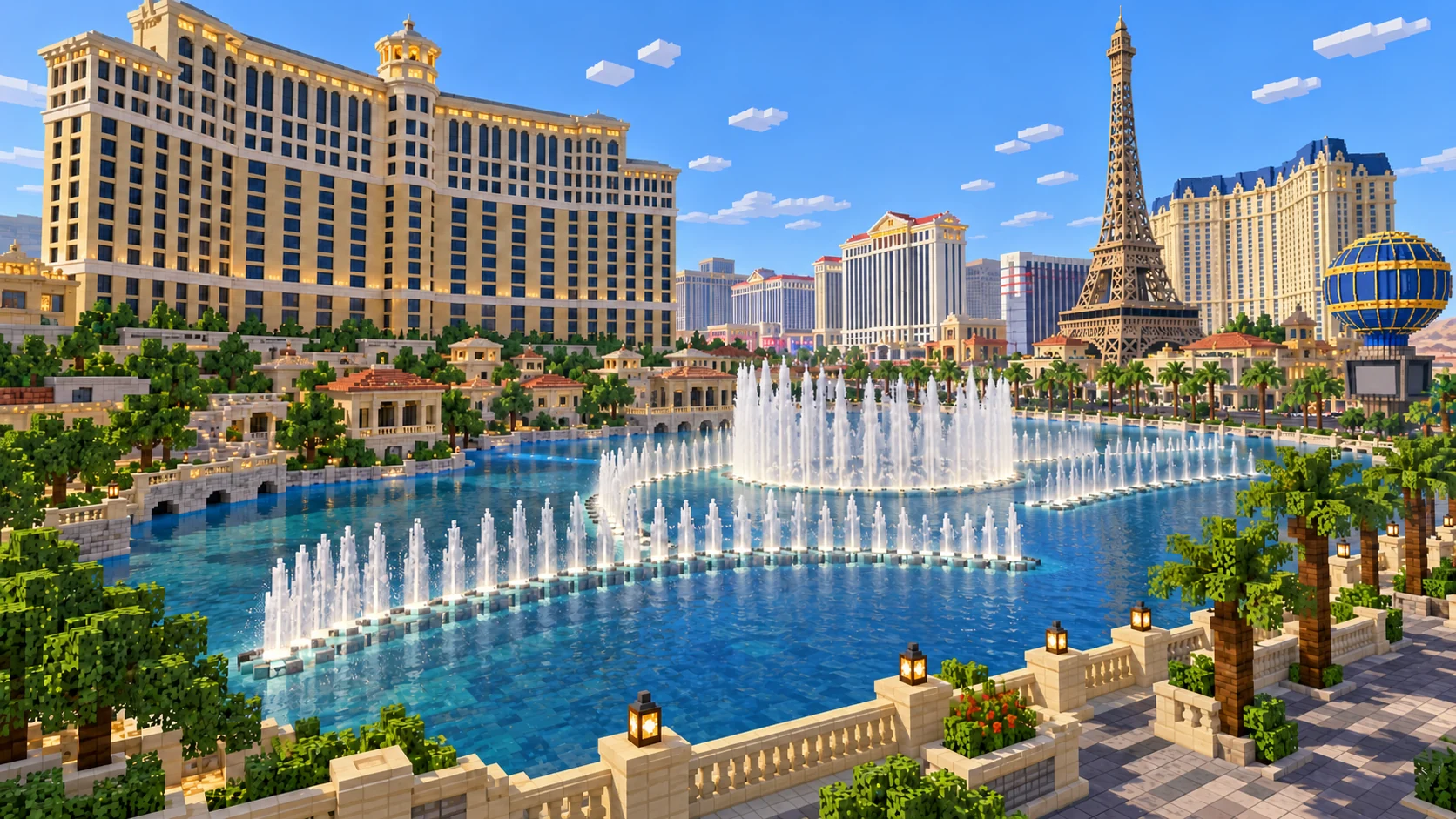
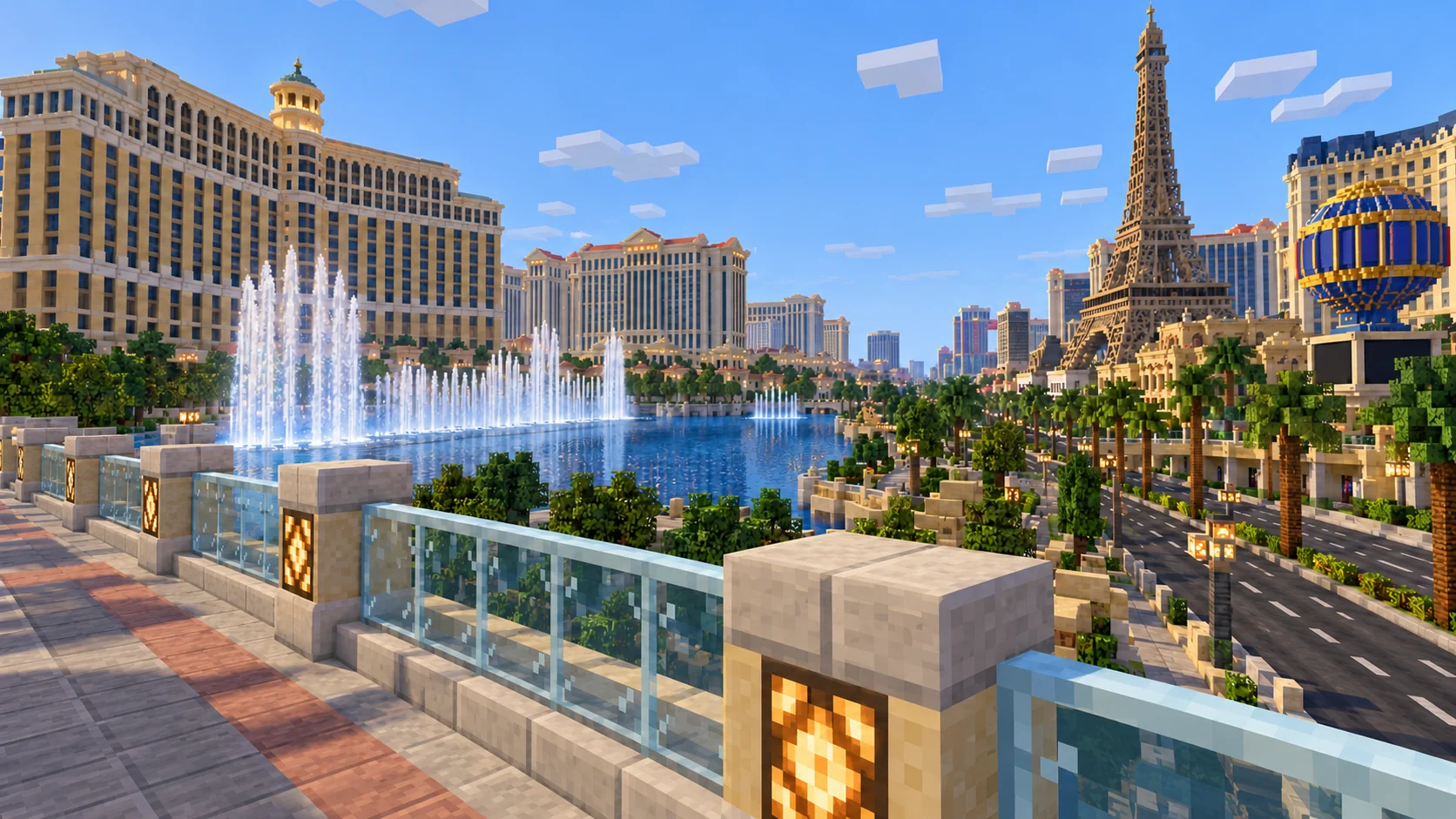
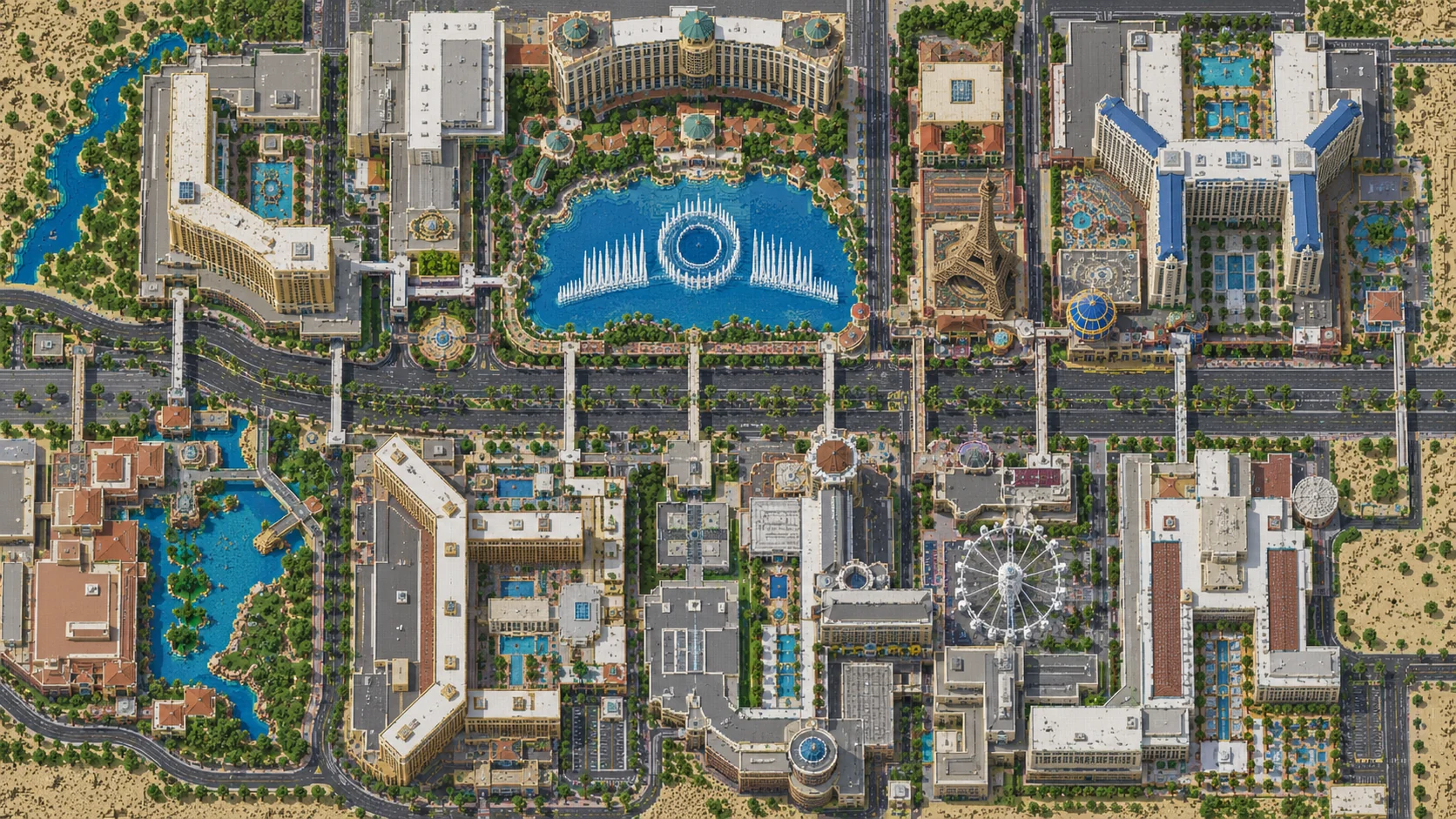
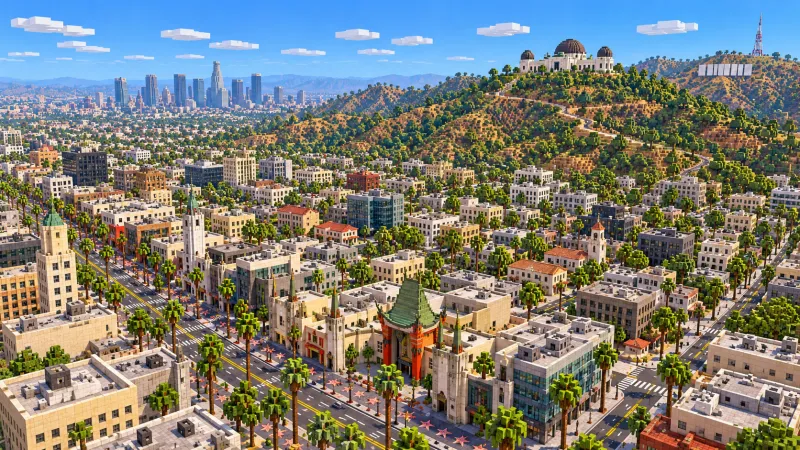
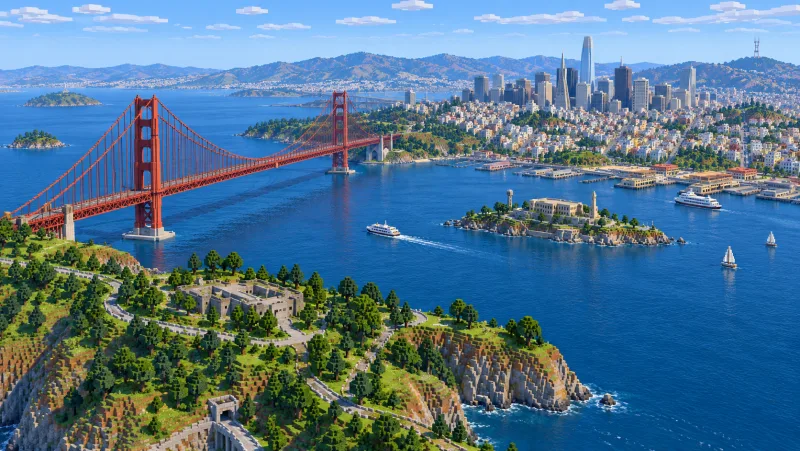
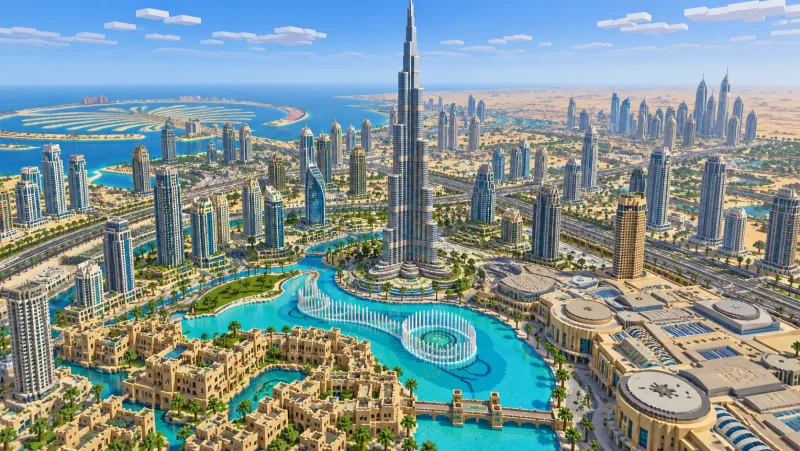
Start on Las Vegas Boulevard by the east edge of the Bellagio lake. Head south for the Luxor pyramid site and the Welcome to Fabulous Las Vegas sign, or go north past the Venetian and Sphere to The STRAT. This 21.93 km² Strip map uses OpenStreetMap and elevation data. Download the Java or Bedrock world, or play the Java world here in your browser.
Illustrations. Generated worlds follow OpenStreetMap data and differ in detail.
Starting area
The Las Vegas Strip from the Welcome sign to The STRAT
Size
21.9 km²
Editions
Java & Bedrock
Download
Ready to play
Data
OpenStreetMap
01 / Overview
Follow Las Vegas Boulevard from the fountains
The download is a long rectangle about 2.7 km east to west and 8.0 km north to south. Las Vegas Boulevard is the main line through it. The Welcome sign sits near the southern end. Walk north from there through larger resort footprints until you reach the lake at Bellagio and the crossing at Flamingo Road. Beyond the lake, the hotels and connecting streets continue north through Sahara Avenue to the tall tower at The STRAT.
West of the spawn, the lake opens up a broad view of the Bellagio waterfront. On the east side, streets and pedestrian routes lead past Paris Las Vegas and the LINQ Promenade. If you are choosing an area for a small server, start near one of the main intersections. A couple of entrances and a workable crossing are enough to test a neighborhood before you expand.
Sphere is east of the boulevard, close to the Venetian complex. Make the short detour there to get a sense of how much space lies behind the hotel fronts. The building data gives you an exterior footprint. A separate route from the Venetian side to Sphere gives players a reason to leave the boulevard and makes the difference between the two sites clear from the ground.
The boulevard keeps going north in the real city. This rectangle ends just beyond the tower, before downtown and the Fremont Street canopy. It also stays clear of most of the airport and leaves the Red Rock Canyon terrain outside the download. The generator selections below let you build downtown or the canyon as separate worlds.
Illustrations. Generated worlds follow OpenStreetMap data and differ in detail.
02 / Inside the map
What's included in the Las Vegas map
The recommended starting area covers Welcome to Fabulous Las Vegas sign, Mandalay Bay, Luxor, Excalibur, the Tropicana Avenue pedestrian crossings, New York–New York, The Park, T-Mobile Arena, Aria, Bellagio and its fountain lake, Paris Las Vegas, Caesars Palace, The LINQ Promenade, High Roller, the Venetian, Sphere, Resorts World, Circus Circus, Sahara Avenue, the Las Vegas Boulevard Gateway Arches and The STRAT. Places marked as separate presets are outside it. Open them from the customize section below.
Starting area
Bellagio fountain lake and the Flamingo Road crossing
The lake sits immediately west of Las Vegas Boulevard and south of Flamingo Road. Follow the sidewalk north from the spawn toward Flamingo Road, keeping the lake on your left. The Java world has water at Y −32 in the lake. Start the fountain build halfway down its east shore, where you can check how the jets look from the corner and from the sidewalk beside them.
Starting area
Paris Las Vegas, Caesars Palace and the central Strip
Paris Las Vegas occupies the east side across from the lake, with its Eiffel Tower replica near the boulevard. Caesars Palace is northwest of the Flamingo Road crossing. These entrances face a broad street with stretches where crossing at ground level would interrupt the road. Build a raised walkway as a route between two stops. Leave enough room at each end to turn a corner and descend without spilling into the next building.
Starting area
The LINQ Promenade, the Venetian and Sphere
The promenade takes you away from the boulevard toward the High Roller site. Farther north, Sphere stands behind the Venetian complex. In the Java world it has a stepped stone brick dome that reaches Y 140 at the center. Follow the steps when you add bands of lighting to the shell. Two lamp colors can mark where the paths to the wheel and Sphere split.
Starting area
New York–New York, Excalibur, Luxor and Mandalay Bay
Tropicana Avenue crosses the Strip between New York–New York and Excalibur. Head south on the west side and the major footprints lead from Excalibur to Luxor and Mandalay Bay. The real Luxor includes a 30-story pyramid, and the Java world already has a stepped roof at that site. Look back at the roof from the boulevard before you fill the gaps between steps or change the glass.
Starting area
Welcome to Fabulous Las Vegas sign
The Welcome sign stands on the median near the south end of the rectangle. The sign dates to 1959. In the Java sample, its location is a grassy patch along the road. Mark off the walkway, place the sign and its two supports, then leave a place to stand far enough back for a screenshot. A view looking north along the boulevard connects it to the resort corridor.
Starting area
Circus Circus, Sahara Avenue and The STRAT
Near the north end, the boulevard goes past Circus Circus toward Sahara Avenue. The STRAT is north of the intersection. Its real tower is about 350 m tall. In the Java world, it is a broad, straight-sided tower up to Y 299. To match the real profile, narrow the shaft and build a wider observation level below that top, leaving space for the mast.
Illustrations. Generated worlds follow OpenStreetMap data and differ in detail.
03 / Why this city
Build a Strip people can walk through
The first thing you notice on the ground is the scale of the blocks between crossings. Hotels have separate entrances, service drives and long frontages. A walkway that looks close from Creative flight can be several minutes away on foot. Pick a corner such as Flamingo Road and put in a short, continuous route before you connect the north and south ends. Test the route as a player who has just spawned, keeping the lake in sight until the first turn.
Las Vegas gets much of its silhouette from shapes above the street: a pyramid, a Ferris wheel, the round exterior of Sphere and a tower with a broad observation level. The generator starts from recorded footprints and height information. Build the shapes you can recognize from the sidewalk, then add details such as roof slopes, bridge railings, vintage lights and planted areas. Keep a copy of the original world so you can compare your skyline against the generated street plan.
04 / Play
Best ways to play the Las Vegas map
Challenge 01
Light a walking route along the Bellagio lake
Follow the lake beside the Strip and choose two stops where the opposite shore remains visible. Connect them with a curved row of lights and a low railing. Work on the water jets in a separate row. If you use redstone to switch the lights by section, run a single bank first so you can reach the wiring without draining part of the lake.
Challenge 02
Link the Tropicana Avenue corners on foot
Pick the corners by Excalibur and New York–New York. Use a street-level marker to align your bridge stairs, then cross the avenue at a height that leaves the road clear. Build a return path on the other side so players can do a short loop. Walk it in Survival to catch abrupt drops or stairs that look connected from a distance.
Challenge 03
Resurface the Luxor pyramid
Start with the stepped roof already at the Luxor site. Trace a consistent slope along one diagonal, then check the same height on the other three corners. Use dark glass where you want the street or sky to show through. Confirm where the entrance lines up with the boulevard before you finish the face that overlooks it.
Challenge 04
Walk the north Strip to an observation deck
Start at the Venetian side of the boulevard and place a waypoint near Sahara Avenue. Build an observation level at The STRAT with a gap above it for the top section. At the end of the route, face south so players can spot the boulevard, then mark the spots where the lake or the taller hotel roofs first come into view. Use flights of stairs or a water elevator if you want to keep the deck reachable in Survival.
05 / Download
Download and install
Download the The Las Vegas Strip from the Welcome sign to The STRAT starting area as a ready-made world for Java or Bedrock Edition.
Java Edition
UnzipExtract the ZIP to get a folder with level.dat inside.
CopyMove the folder into .minecraft/saves.
PlayOpen Minecraft Java Edition and choose Singleplayer.
Bedrock Edition
OpenOn Windows, double-click the .mcworld file. On phones and tablets, open it with Minecraft.
ImportMinecraft imports the world automatically.
PlayFind the new world in your Worlds list and open it.
If the world does not show up
Java: check that level.dat sits directly inside the world folder, not one folder deeper.
Bedrock: if double-clicking does nothing, open Minecraft first and then open the .mcworld file again.
Open the world with the listed Minecraft version or a newer one.
Lower your render distance if a large city loads slowly at first.
A separate terrain and street selection west of the city, including the Red Rock Canyon Visitor Center, the Calico Hills and the first scenic overlooks.
The main rectangle covers 21.93 km² between 36.079° and 36.151° N and 115.183° and 115.1525° W. Horizontal scale is about one block per meter. Both worlds start in Creative at midday at (929, −28, 4170).
The Java archive reports dimensions of 2,739 × 8,006 blocks. Streets, water and building footprints come from OpenStreetMap. Ground height comes from elevation data, and buildings use tagged height or floor counts where they are available.
The rectangle includes the resort corridor. Downtown Las Vegas, the Fremont Street canopy and the Red Rock Canyon hills have separate selections.
The gallery is illustrated. It compresses resort spacing and shows details such as fountain jets, facades and railings you can add to your own build. Keep the included OpenStreetMap attribution if you share either world.
OpenStreetMap is edited by volunteers, so coverage varies from street to street, and recent changes may be missing.
Yes. During the promotion, sign in to download any published city map for Java or Bedrock without using points or paying.
How much of the Las Vegas Strip is in the Minecraft map?
The rectangle covers 21.93 km² including the Welcome sign in the south, Mandalay Bay, Luxor, Bellagio, the Venetian, Sphere and The STRAT near the northern edge. Choose a separate preset for the Fremont Street canopy or Red Rock Canyon.
How do I install the Las Vegas map in Java Edition?
Download the 116 MB ZIP, saved in Java 1.21.4. Extract the ZIP into a folder inside .minecraft/saves, with level.dat directly inside the world folder. Open the imported world from Singleplayer.
How do I install the Las Vegas map in Bedrock?
Open the 54 MB .mcworld file in Minecraft Bedrock on Windows, Android or iOS and select the imported world from the Worlds screen.
Are there working fountains, rides or casino interiors?
The download gives you the lake, street layout and building volumes. The cover art depicts water jets and other custom builds. Use the lake and resort footprints to add your own fountain timing, ride structures and interiors.
Can I use the Las Vegas world on a Minecraft server?
In Java, copy the world beside the server JAR and set level-name in server.properties to the folder name. For Bedrock Dedicated Server, extract the .mcworld as a ZIP into its own folder under worlds and set level-name to that folder. Keep the attribution file that comes in the archive.