Skip to content

United Arab Emirates / City map

Dubai Minecraft Map

Start on the landscaped island at Burj Park, southwest of Burj Khalifa. From here you can circle Burj Lake, walk south to Business Bay or follow the main roads north to the financial district. This 30.21 km² Minecraft map uses OpenStreetMap and elevation data. Download either the Java or Bedrock world, or open the Java edition in the browser player.

Java Edition · Bedrock Edition

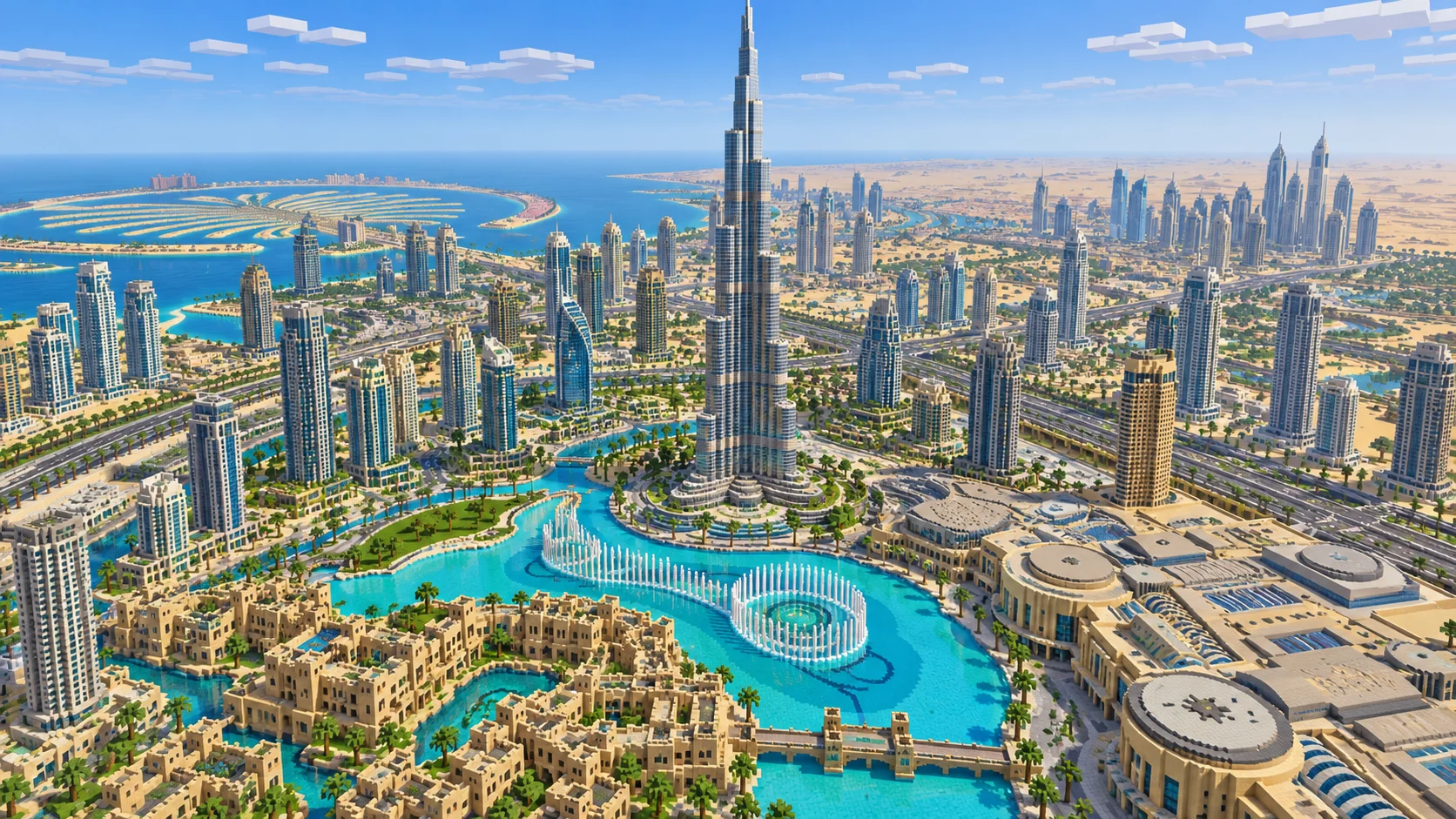
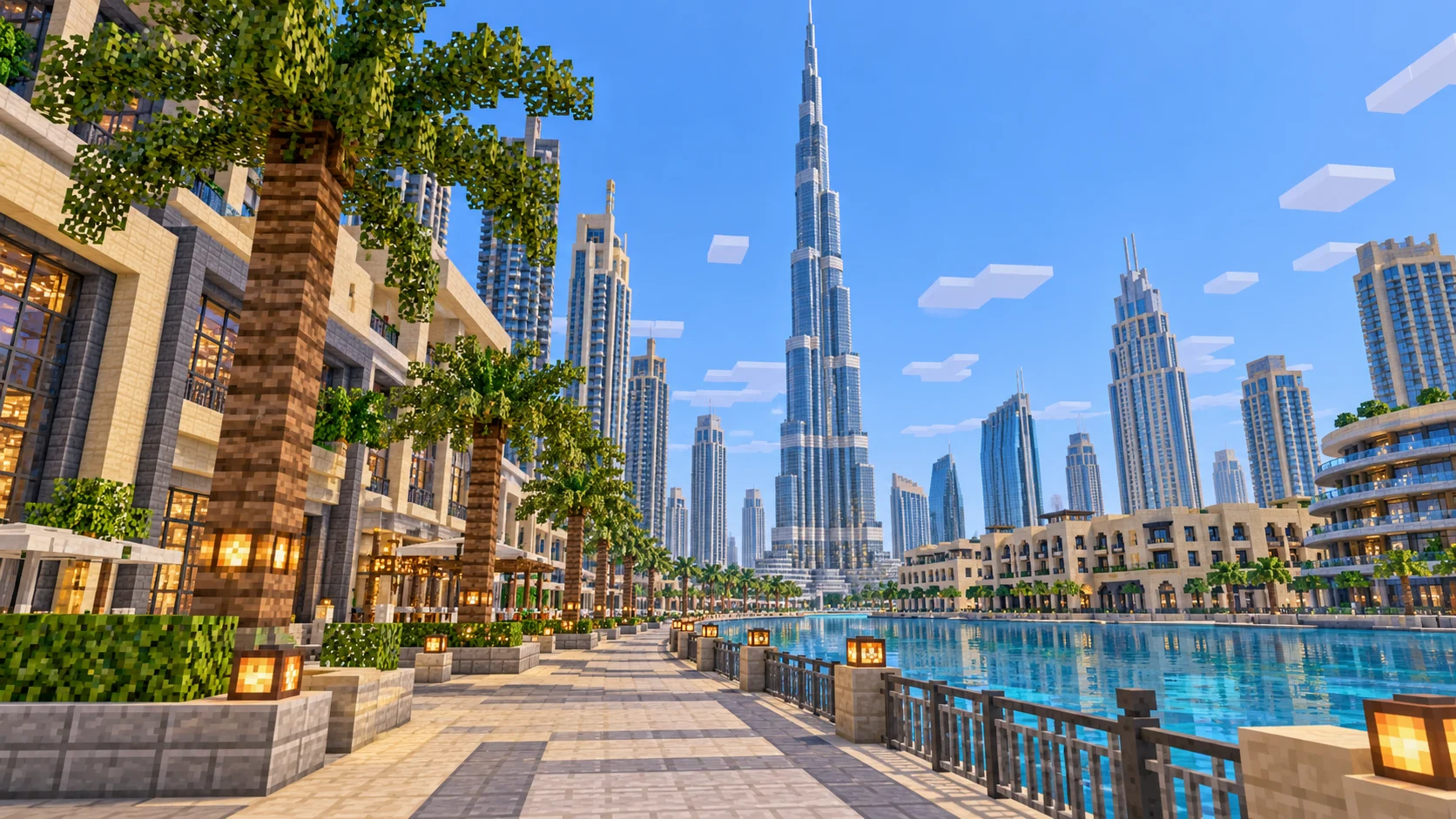
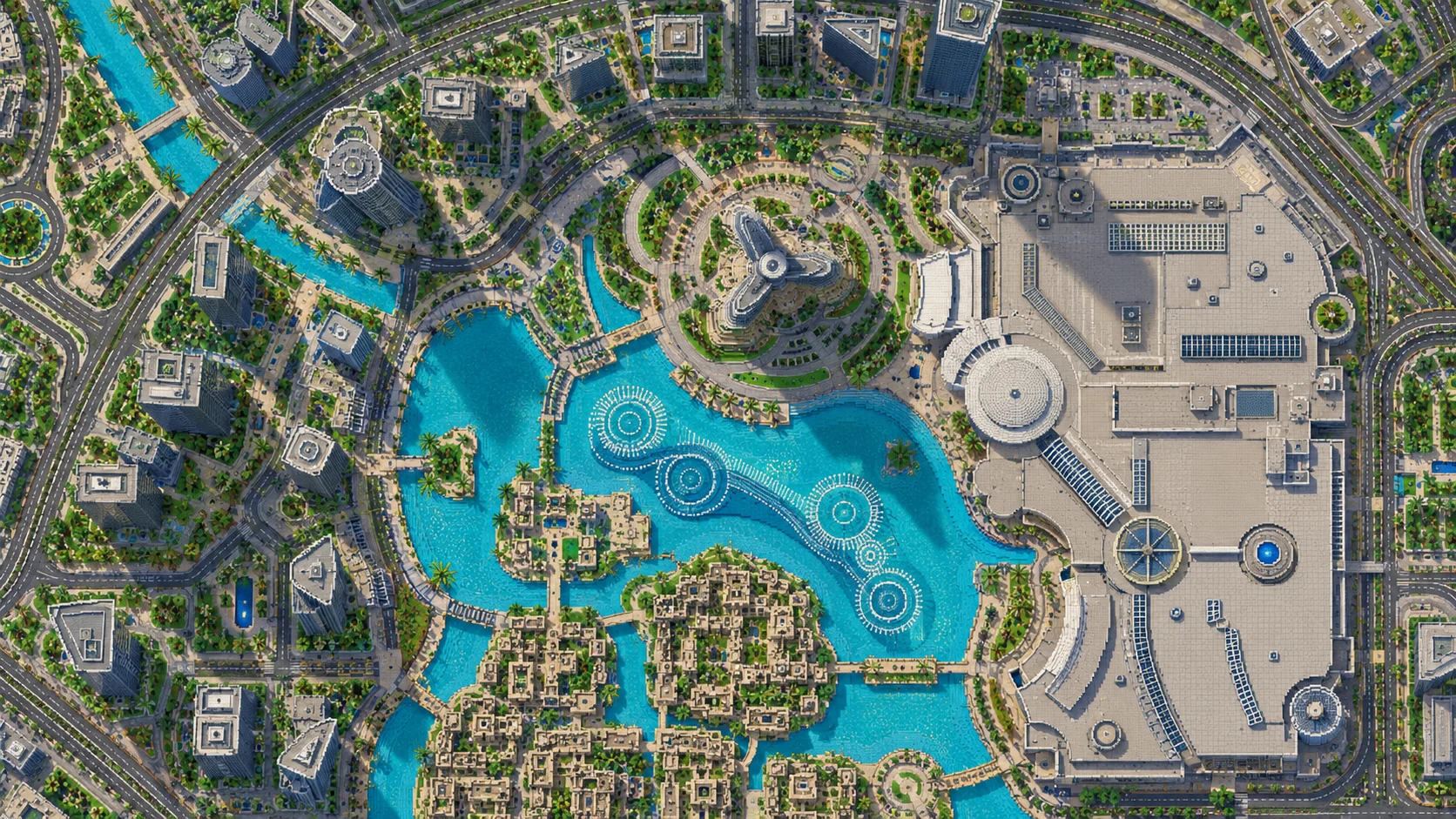
Aerial block illustration of Downtown Dubai with Burj Khalifa, the fountain lake and towers around the boulevard
Illustrations. Generated worlds follow OpenStreetMap data and differ in detail.
Starting area
Downtown Dubai, Burj Khalifa and Business Bay
Size
30.2 km²
Editions
Java & Bedrock
Download
Ready to play
Data
OpenStreetMap

01 / Overview

From Burj Park to Business Bay and the financial district

The download is a rectangle about 5.4 km from west to east and 5.6 km from south to north. The towers and the fountain lake are near its middle. South of Downtown, the Dubai Water Canal curves among the high-rises of Business Bay. The northern part follows the corridor around Sheikh Zayed Road past the financial district to Emirates Towers and the Museum of the Future. This is a Downtown map with part of the next districts on either side. The creekside old town and Dubai Marina have separate generator selections.

Burj Lake and the Dubai Water Canal are useful landmarks for different routes. The lake is the smaller feature beside the mall and the tower, enclosed by promenades and the streets of Downtown. The canal takes a long bend through Business Bay. From the spawn, walk to the edge of the lake first. Then go south through the city blocks until you can see where the canal cuts across the roads. The two bodies of water give you a way to navigate even with a low render distance.

Look down from Creative flight and pick a project before placing blocks. At the mall you have a large set of connected buildings with long sides. Across the lake, the smaller blocks by the souk and the park give you a shorter stretch to work on. From either place you can use the wide boulevard as a route around the neighborhood. Save the tall building work for later if you want to start with a route your friends can finish in one session.

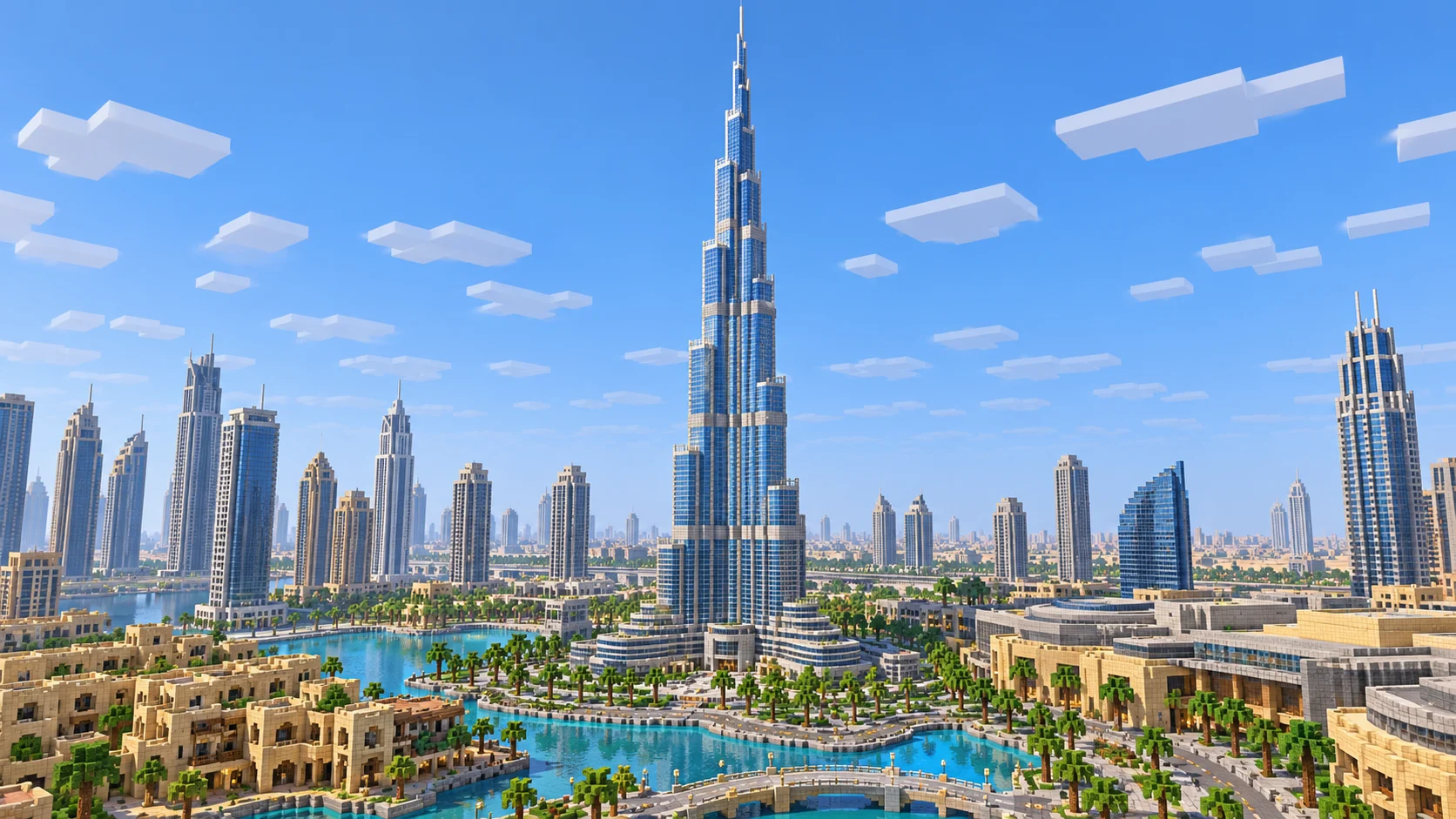
Minecraft-style illustration of the tiered Burj Khalifa tower and its three-winged base
Illustrations. Generated worlds follow OpenStreetMap data and differ in detail.

02 / Inside the map

What's included in the Dubai map

The recommended starting area covers Burj Park, Burj Khalifa, Burj Lake, Dubai Fountain, Dubai Mall, Souk Al Bahar, Dubai Opera, Sheikh Mohammed bin Rashid Boulevard, Business Bay, Dubai Water Canal, Sheikh Zayed Road, Dubai International Financial Centre, Emirates Towers and the Museum of the Future. Places marked as separate presets are outside it. Open them from the customize section below.

  • Starting area

    Burj Khalifa and the tower grounds

    Burj Khalifa opened in 2010. The real tower is 828 m tall and its floor plan uses three wings arranged around a core. In the Java world, the lower wings already step back at several heights and the central mass reaches the build limit. Rework the existing wings and shorten the last few tiers to leave room for a scaled spire. Leave space at ground level to see all three sides of the base.

  • Starting area

    Burj Park, Burj Lake and Dubai Fountain

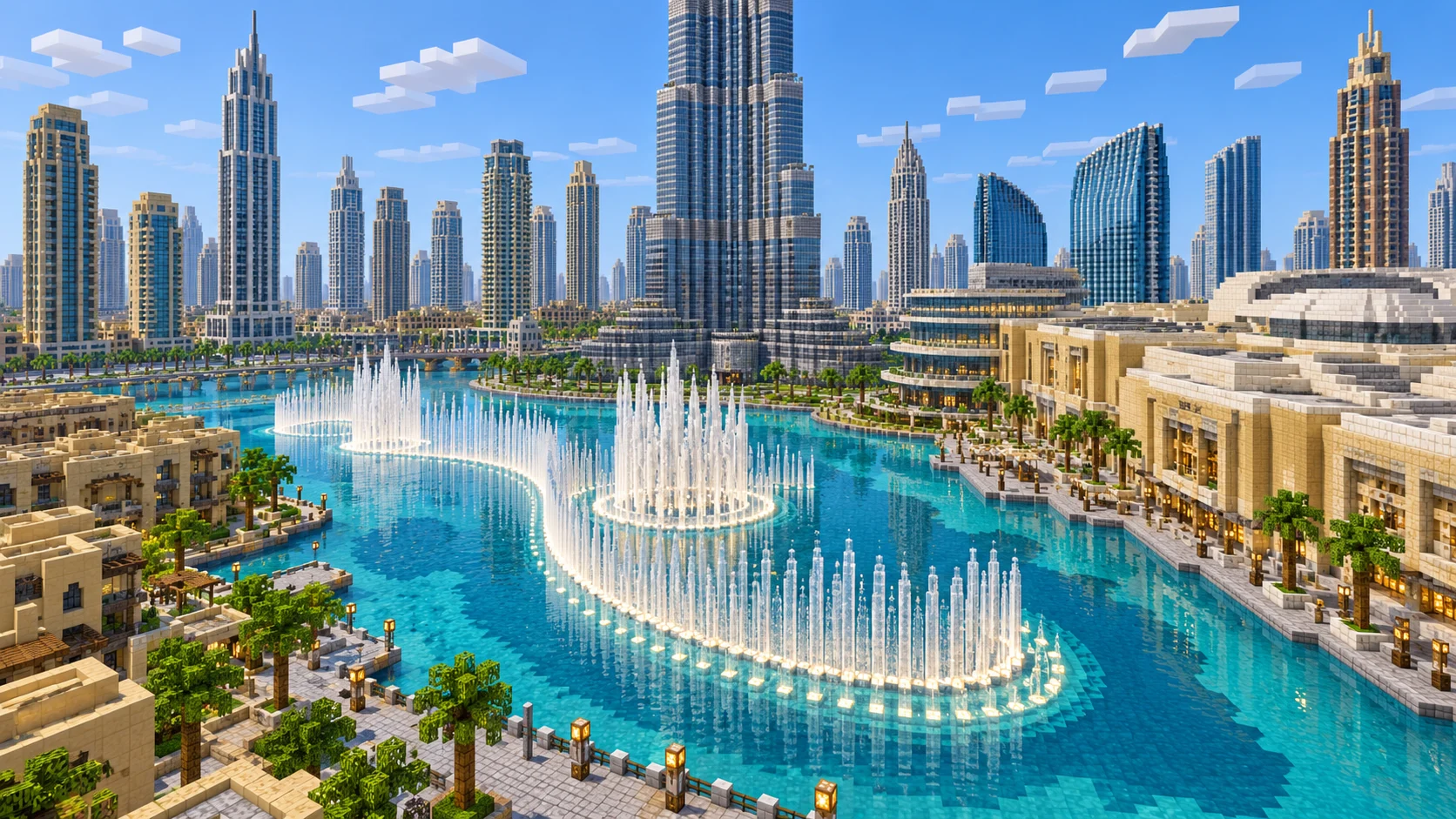
    Burj Park occupies a small island alongside Burj Lake, southwest of Burj Khalifa. The shore bends sharply where the paths approach the island. Walk the perimeter and decide where to give players a view from ground level. Use the illustrated fountain as a build reference. Trace its curved alignment first, then add a slim line of lights and water jets using the space available on the lake.

  • Starting area

    Dubai Mall and Souk Al Bahar

    Dubai Mall occupies the north and east sides of the lake. Souk Al Bahar is on the other side of the water, so you can use the narrow crossing to lay out a short walk between two very different building footprints. In Creative, compare the blocks from the same height. The mall gives you room for a plaza and several entrances. A small set of shopfronts facing the water suits the tighter space at the souk.

  • Starting area

    Dubai Opera and Sheikh Mohammed bin Rashid Boulevard

    The opera house stands on the land side of Burj Park. Its real design takes its shape from a dhow, the wooden boat used around the Gulf. Mark the bow end of the building and use the space around it for a few stepped terraces. The nearby boulevard makes a broad loop around the central blocks. Keep the opera entrance close to the park path and mark the junction with the boulevard so players can find either route on foot.

  • Starting area

    Business Bay and the Dubai Water Canal

    Head south of the lake for the longer waterfront. Business Bay’s towers sit along a broad curve, and bridges join the roads that reach its banks. On a server, choose a stretch of the canal where the opposite shore is visible and build two landings of different sizes. Check the generated water level between them before connecting a boat route. The wider spots leave space for a plaza, while the narrower ones suit steps parallel to the bank.

  • Starting area

    The financial district, Emirates Towers and the Museum of the Future

    Follow the main road corridor north from the mall. You reach the Dubai International Financial Centre before the Emirates Towers complex. Near the north edge, the Museum of the Future occupies a much smaller site than either the mall or the tower district. Sketch the opening in the middle of its ring as a cross-section. From street level the outline and the open space through the middle matter more than the fine exterior lettering.

Illustrations. Generated worlds follow OpenStreetMap data and differ in detail.

03 / Why this city

Build the skyline around the plan on the ground

Dubai is recognizable at two scales. From above you can pick out the lake, the wide streets and the bend in the Dubai Water Canal. At street height the high-rises can hide the tower until you step out onto a terrace or reach a gap between buildings. Place a pair of reference points on the shoreline before you change a roof. One near the park and one in the blocks across the lake let you check the shape from different angles during the build.

The generated architecture follows recorded footprints and building heights within Minecraft’s vertical range. The Java sample gives you a broad, flat mall roof and a low opera roof. Build from those volumes when you add entries, terraces and the opera house’s curved profile. The gallery shows possible finishes, including fountain jets, lighting and landscaping.

04 / Play

Best ways to play the Dubai map

Challenge 01

Lay out the tower’s setbacks from three sides

Use the base at Burj Khalifa as a plan. Mark the ends of the three wings and look back at them from Burj Park before changing the exterior. On each side shorten the wing by a few blocks at a time. Vary the heights of those steps as you go around the tower. Glass, pale concrete and a darker line between window bays can make each tier visible across the lake.
Challenge 02

Build a light route around the fountain lake

Start by the path from Burj Park and leave the strip closest to the edge open. Use lanterns at regular intervals, then change the interval where the shore turns and a player needs to see the next step. At the larger viewing area, draw a curve out in the water for the fountain. Put the lighting and the jets in separate rows so you can edit one later without moving the other.

Challenge 03

Join a Business Bay landing to the boulevard

Pick one water edge and mark a clear route to the road north of it. Build a landing at the bottom with room to turn a boat and a plaza at the top where the side streets meet. Run the route twice, once from the canal and once from Downtown. If you need a waypoint for a player coming from the lake, use a colored awning at the first junction.

Challenge 04

Mark a route from Dubai Mall to Emirates Towers

Start near the mall and follow the roads toward the financial district. Build a pedestrian path with stops where it meets large intersections. Use a short sign or a change in paving near the towers so players can choose the final turn for the Museum of the Future. End the route with a place to stand and look through the center of the museum shape you build.

05 / Download

Download and install

Download the Downtown Dubai, Burj Khalifa and Business Bay starting area as a ready-made world for Java or Bedrock Edition.

Java Edition

  1. UnzipExtract the ZIP to get a folder with level.dat inside.
  2. CopyMove the folder into .minecraft/saves.
  3. PlayOpen Minecraft Java Edition and choose Singleplayer.

Bedrock Edition

  1. OpenOn Windows, double-click the .mcworld file. On phones and tablets, open it with Minecraft.
  2. ImportMinecraft imports the world automatically.
  3. PlayFind the new world in your Worlds list and open it.

If the world does not show up

  • Java: check that level.dat sits directly inside the world folder, not one folder deeper.
  • Bedrock: if double-clicking does nothing, open Minecraft first and then open the .mcworld file again.
  • Open the world with the listed Minecraft version or a newer one.
  • Lower your render distance if a large city loads slowly at first.

Step-by-step help: Java import guide · Bedrock import guide

Dubai mapDowntown Dubai, Burj Khalifa and Business Bay

  • Java Edition

    ZIP world folder

    • 164 MB
    • 30.2 km²
    • Java 1.21.4
    Download free
  • Bedrock Edition

    .mcworld file

    • 88 MB
    • 30.2 km²
    • Bedrock 1.21.0.0
    Download free

No points are used for sample downloads.

06 / Customize

Customize this Dubai map

Each area opens the generator with the rectangle already drawn. Move it, resize it or change the mode before you generate.

Downtown Dubai, Burj Khalifa & Business Bay

30.2 km²

The 30.21 km² download area, with Burj Khalifa, Dubai Mall, the lake, Business Bay and the northbound corridor to Emirates Towers.

Open in generator

Dubai Marina & Jumeirah Beach Residence

9.7 km²

A separate selection around the long marina basin, Marina Walk and the beachfront at Jumeirah Beach Residence.

Open in generator

Dubai Creek, Al Fahidi & Deira

13.3 km²

A separate old Dubai selection on both banks of the creek, from the alleys of Al Fahidi and Al Seef to the Deira waterfront.

Open in generator

07 / Limits

What to expect from the map data

  • The main rectangle covers 30.21 km² from 25.172° to 25.222° N and 55.242° to 55.296° E, at roughly one block per meter horizontally. The two worlds share a Burj Park spawn at (3153, −35, 3077).
  • OpenStreetMap supplies building outlines, roads and water. The generator uses terrain elevation and available building heights or floor counts. Buildings with gaps in the source use a default height.
  • The files represent the Downtown and Business Bay districts. Use the separate generator presets for Dubai Marina or the old neighborhoods along Dubai Creek.
  • The gallery illustrations compress distances and can show skyline elements beyond the Downtown crop. Use the download boundary to check coverage. Add fountain choreography, glass facade details, tower interiors and the museum’s lettering in your own build. Keep the included OpenStreetMap attribution when sharing either world.
  • OpenStreetMap is edited by volunteers, so coverage varies from street to street, and recent changes may be missing.

Map data © OpenStreetMap contributors, available under the Open Database License. Generated with the open-source Arnis project.

Questions before you generate

Can I download these maps for free?

Yes. During the promotion, sign in to download any published city map for Java or Bedrock without using points or paying.

Which part of Dubai does this map cover?

Start in Downtown near Burj Khalifa. The world includes Burj Park, the fountain lake, Dubai Mall, the area around Dubai Opera, Business Bay and the corridor to Emirates Towers and the Museum of the Future. The old town and Marina are separate presets.

How do I install the Dubai map in Minecraft Java?

Download the 172 MB ZIP, saved in Java 1.21.4. Extract it into a folder inside .minecraft/saves, with level.dat directly inside that folder. Then open Arnis World 1 from Singleplayer.

How do I import the Dubai map in Bedrock?

Open the 92 MB .mcworld file in Minecraft Bedrock on Windows, iOS or Android. Select Arnis World: دبي from the Worlds screen. Direct file import is available on those platforms.

How tall is Burj Khalifa in the Minecraft world?

In the Java download, the central tower reaches Y 319, the standard build limit. The lower wings survive as stepped volumes. Shorten the upper setbacks to make room for a scaled spire within the standard height range.

Can I use the Dubai map on a server?

For Java, copy the world beside the server JAR and set level-name in server.properties to the folder name. For Bedrock Dedicated Server, rename the .mcworld file to .zip and extract it into its own directory under worlds. Set level-name to that directory and keep the attribution file.

More maps

Browse all city maps · City generator · Terrain generator