Can I use a Java world ZIP?
Not directly. Request the correct edition when generating. This tool does not include a Java-to-Bedrock world converter.
BEDROCK / .MCWORLD
Select a real-world area for your Minecraft Bedrock map, then use the device guide below to import a .mcworld file.
Choose a Bedrock area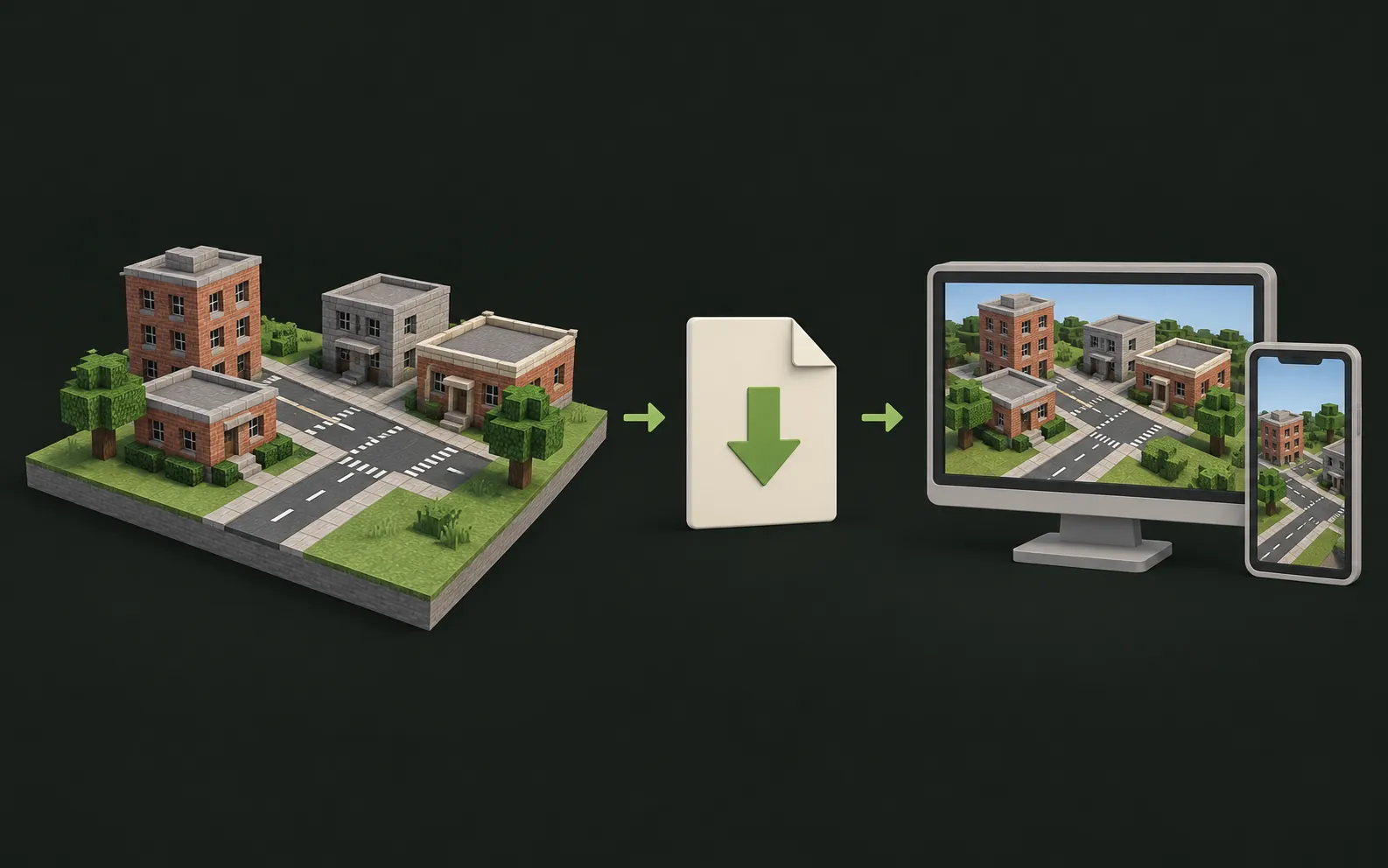
Select a real location for a Minecraft Bedrock world. Check available generation options, MCWORLD file information and device import requirements.
Enter at least 3 characters to search. Place search: Photon · OpenStreetMap contributors
Bedrock uses a .mcworld package. Keep the downloaded file intact and use the import workflow for your device. A Java ZIP is a different world format; changing its extension does not convert it to Bedrock.
| Device | Current guidance |
|---|---|
| Windows with Bedrock | Double-click the .mcworld file to import it into Minecraft Bedrock. |
| Android / iPhone / iPad | Open the .mcworld file with Minecraft from your Files app. |
| Xbox / PlayStation / Switch | Import on a phone or PC first, then sync through Realms or a Microsoft account where supported. |
Having trouble importing? Contact us and we'll help.
Not directly. Request the correct edition when generating. This tool does not include a Java-to-Bedrock world converter.
Bedrock (.mcworld) output is available when Bedrock is shown as selectable in the generator.
Open the .mcworld file with Minecraft on your device. The Bedrock import guide covers Windows, Android, iPhone and iPad steps, plus troubleshooting.
Start with a small area and choose the edition you use.
Guides