Arenas
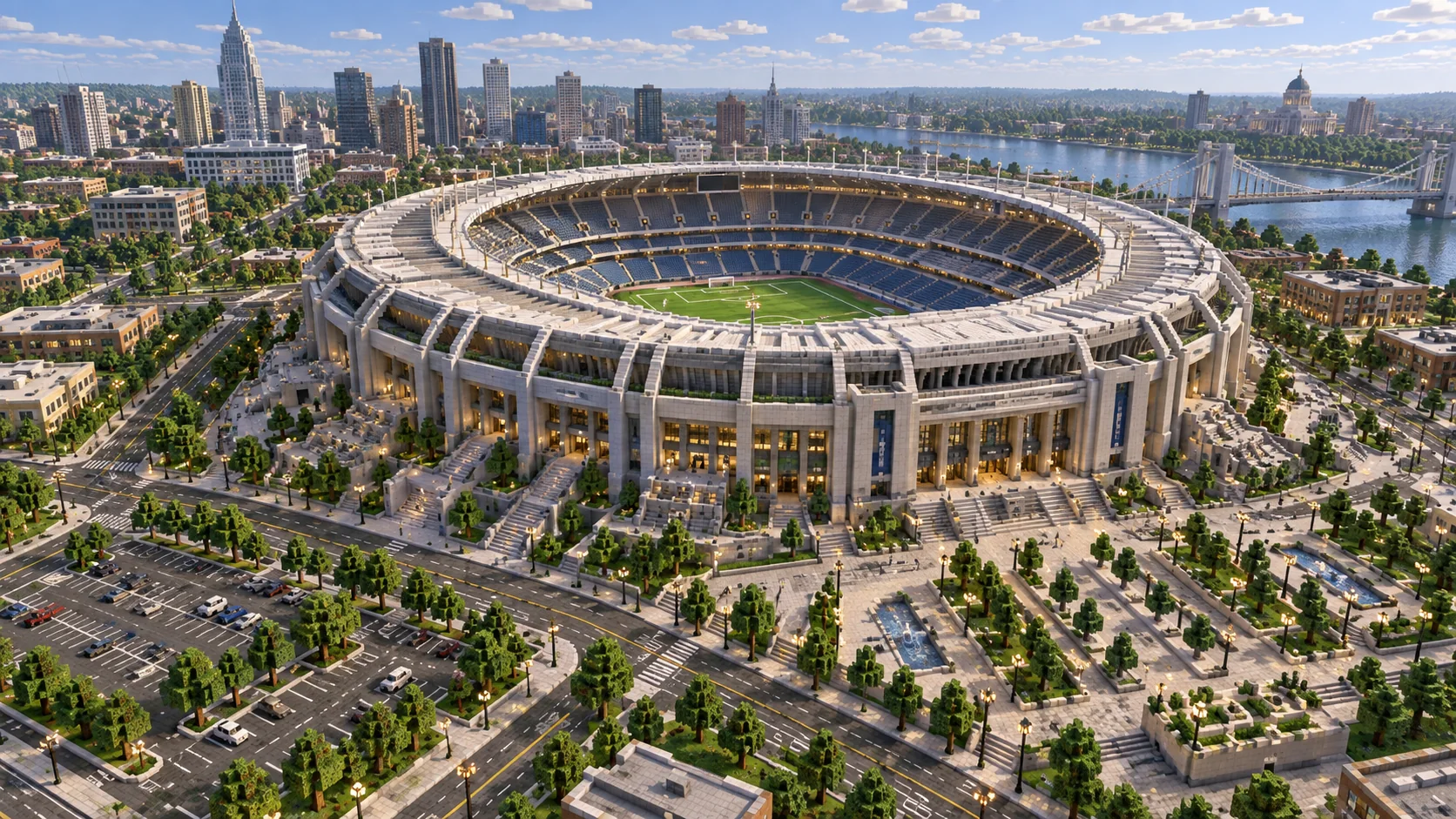
A 41 × 25 oval with walls five blocks high makes a compact PvP arena.
Free Minecraft building tool
Set the width and length separately to get an ellipse blueprint for arenas, ponds, racetracks and long halls. Raise the walls, change their thickness and download the result as a schematic or a world.
The Java world is a creative superflat world (Java 1.21.4 or newer) with the build in front of spawn. Unzip it into .minecraft/saves.
Counts are for a one-block wall and a filled floor.
| Blueprint | Width × length | Good for | Outline blocks | Filled blocks |
|---|---|---|---|---|
| 9 × 5 | Ponds and flower beds | 24 | 37 | |
| 15 × 9 | Small arenas and garden paths | 44 | 107 | |
| 25 × 15 | Throne rooms and banquet halls | 76 | 299 | |
| 41 × 25 | Horse tracks and stadium bowls | 128 | 801 | |
| 64 × 40 | Racetracks and lakes | 204 | 2,012 |
Width runs east to west (X); length runs north to south (Z).
Wall height stacks the same outline upward, from a one-layer floor plan to a tall arena wall.
Pick hollow with a thickness, or filled for a solid floor or pond.
Follow the blueprint, or download a schematic, a Bedrock structure or a world.
An oval is a circle stretched along one axis. Mark the centre, then measure half the width east and west and half the length north and south. Those four points are the flat ends of the oval.
Because an oval is only mirrored twice, build one quarter from the blueprint and copy it to the other three. Matching odd or even sizes on both axes keeps the centre on a single block or a clean 2×2.
A 41 × 25 oval with walls five blocks high makes a compact PvP arena.
Two ovals, one inside the other, give an even track for horses or boats on ice.
A filled oval dug one or two blocks deep looks more natural than a circle.
Every shape can be downloaded for the tool you already use.
Put the file in .minecraft/schematics, open the Litematica menu with M and load it as a hologram to build over.
Put the file in the WorldEdit schematics folder, then run //schem load <name> and //paste. The shape is centred on you.
Load it with a structure block, or add it to a behaviour pack and use /structure load. Shapes wider than 64 blocks come as tiles.
Unzip into .minecraft/saves and open it: a creative superflat world with your build in front of spawn.
A printable image with a grid, coordinates and centre lines. Spheres and domes also come as one sheet with every layer.
Enter the width and length here and follow the blueprint. Mark the centre and the four end points first, then fill in one quarter and mirror it.
Here, yes: the generator places every block whose centre falls inside a true ellipse with your width and length.
Set the wall height above 1 to stack the outline into walls. The block count and all downloads include every layer.
Yes. Copy the //cyl command for odd sizes, or download the .schem file and use //schem load and //paste for an exact copy.
Bigger than one tower?
ArnisWeb rebuilds real streets, buildings and terrain from map data. Pick any place on Earth and download it as a Java or Bedrock world.
Guides