Challenge 01
Neon street building
Decorate the real building outlines with glowing signs, vending machines and shopfronts to recreate Shibuya at night.
Japan / City map
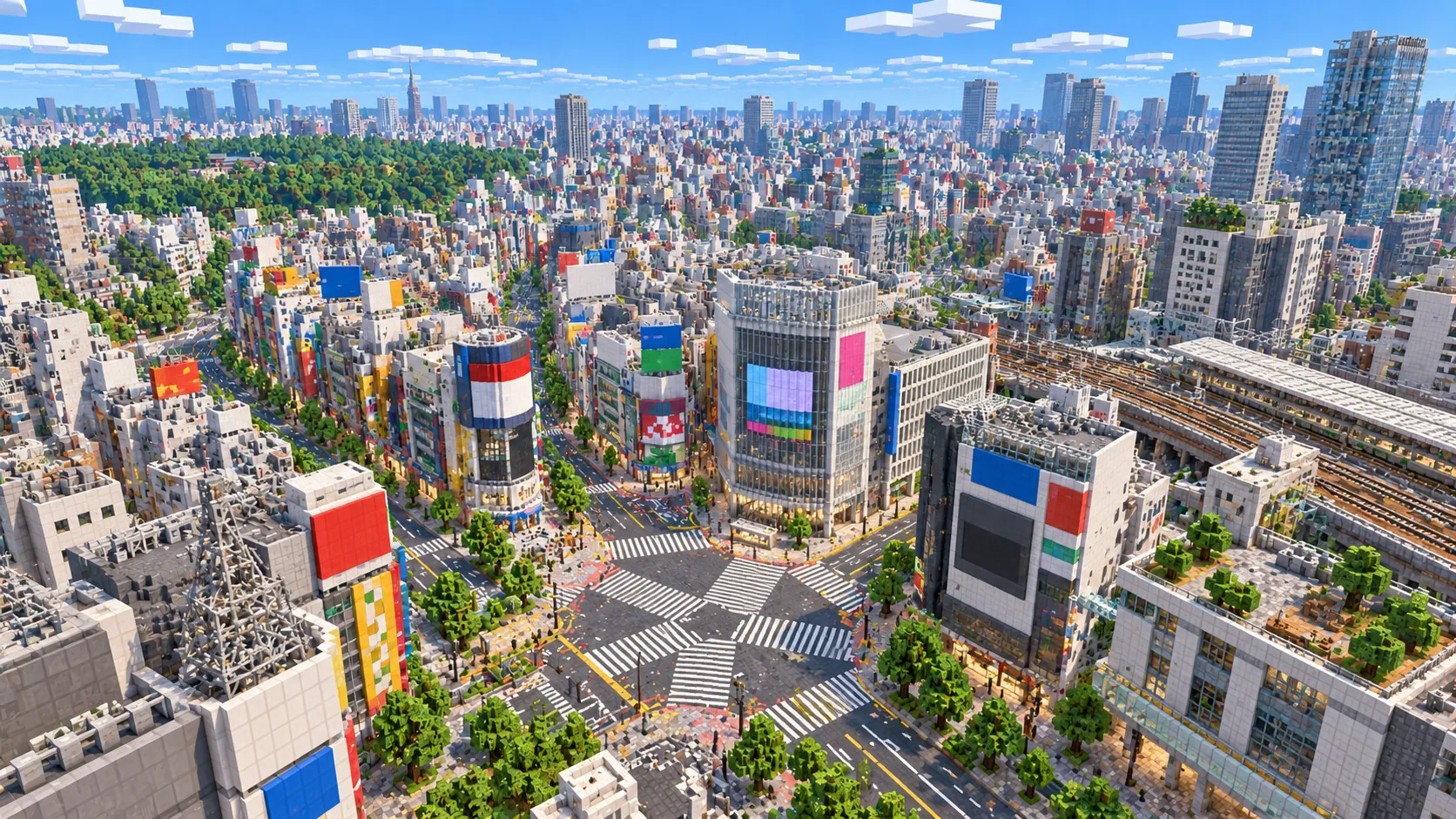
Stand in the middle of the Shibuya scramble crossing in Minecraft. This Tokyo Minecraft map starts around Shibuya Station and the streets that climb out of its valley, built from real OpenStreetMap data. Two more Tokyo areas are ready to load, West Shinjuku's towers and the temple streets of Asakusa, or you can choose your own.
Java Edition · Bedrock Edition
01 / Overview
Tokyo is not one downtown but many, each built around a major rail station. Shibuya is one of the busiest. Several railway and subway lines meet in a valley, and a tangle of shopping streets climbs the slopes around it. The name itself refers to that valley, and in a terrain-enabled world you can feel the ground rise as you walk up Dogenzaka or toward Harajuku.
This map is generated from OpenStreetMap, which is mapped in unusual detail in central Tokyo. Individual building footprints, narrow lanes, rail corridors and small parks are all present, so the generated Shibuya is dense, about one block per meter, with streets often only a few blocks wide. It feels close to walking the real neighborhood, much more than a flyover.
The map works well for players who like exploring cramped, busy streets, for builders who want to add neon and shopfronts to real building outlines, and for creators who want Tokyo as a backdrop. If you prefer skyscrapers or traditional architecture, the Shinjuku and Asakusa presets give you a very different Tokyo.
02 / Inside the map
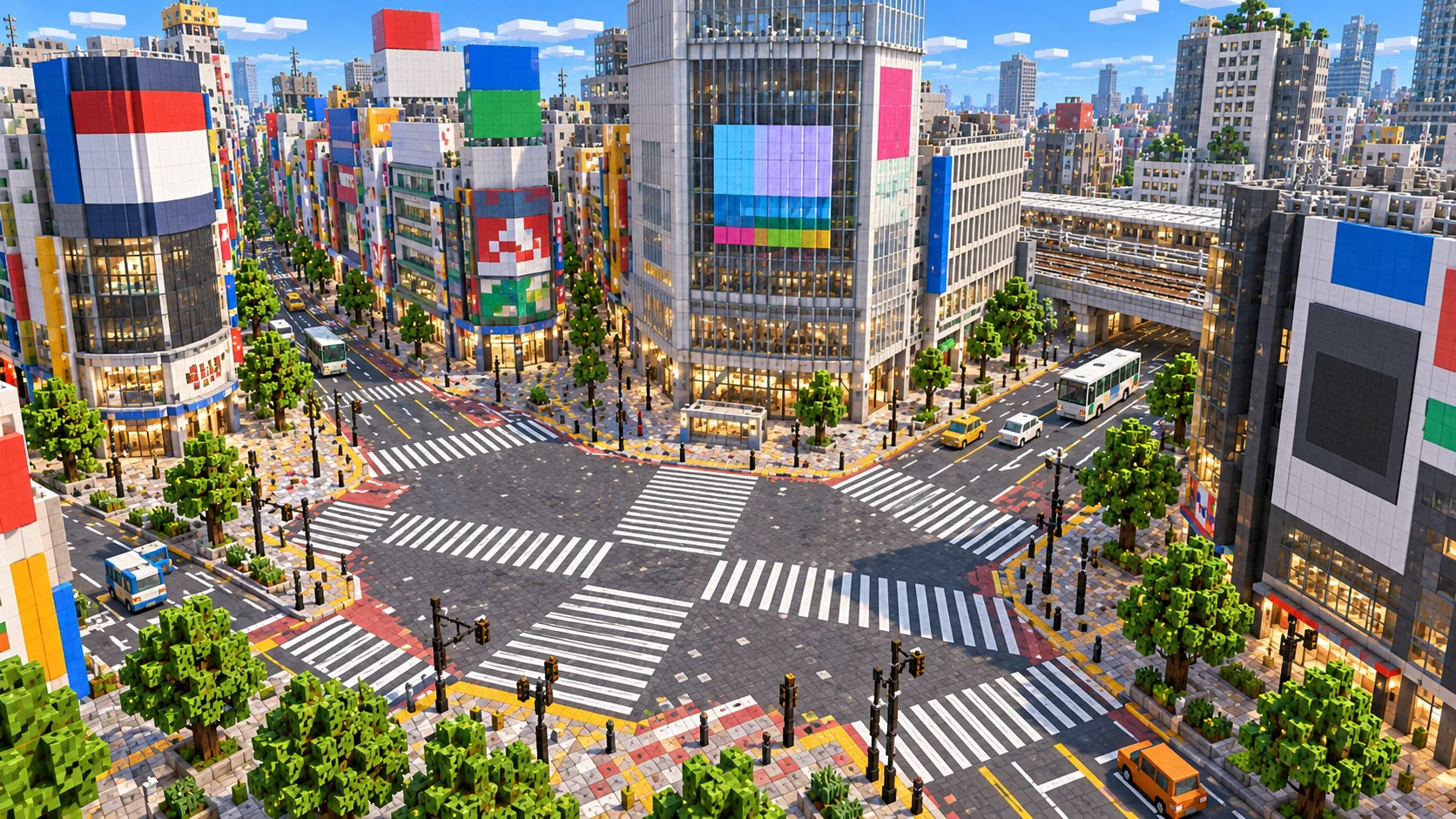
The recommended starting area covers the Shibuya scramble crossing, Shibuya Station and its rail lines, Center Gai, Dogenzaka and Miyashita Park. Places marked as separate presets are outside it. Open them from the customize section below.
The famous intersection in front of the station, where the crosswalks spread out in every direction.
Several lines run through the area on elevated tracks and cuttings, forming a clear spine through the map.
Narrow shopping lanes and the uphill street west of the crossing, good for street-level exploring.
A long, raised park along the rail tracks north of the station, a calm place to break up the dense city.
Tokyo's high-rise district, including the Metropolitan Government Building. Use the Shinjuku preset.
Temple grounds, the Sumida River and the Skytree site across the river, available as the Asakusa preset.
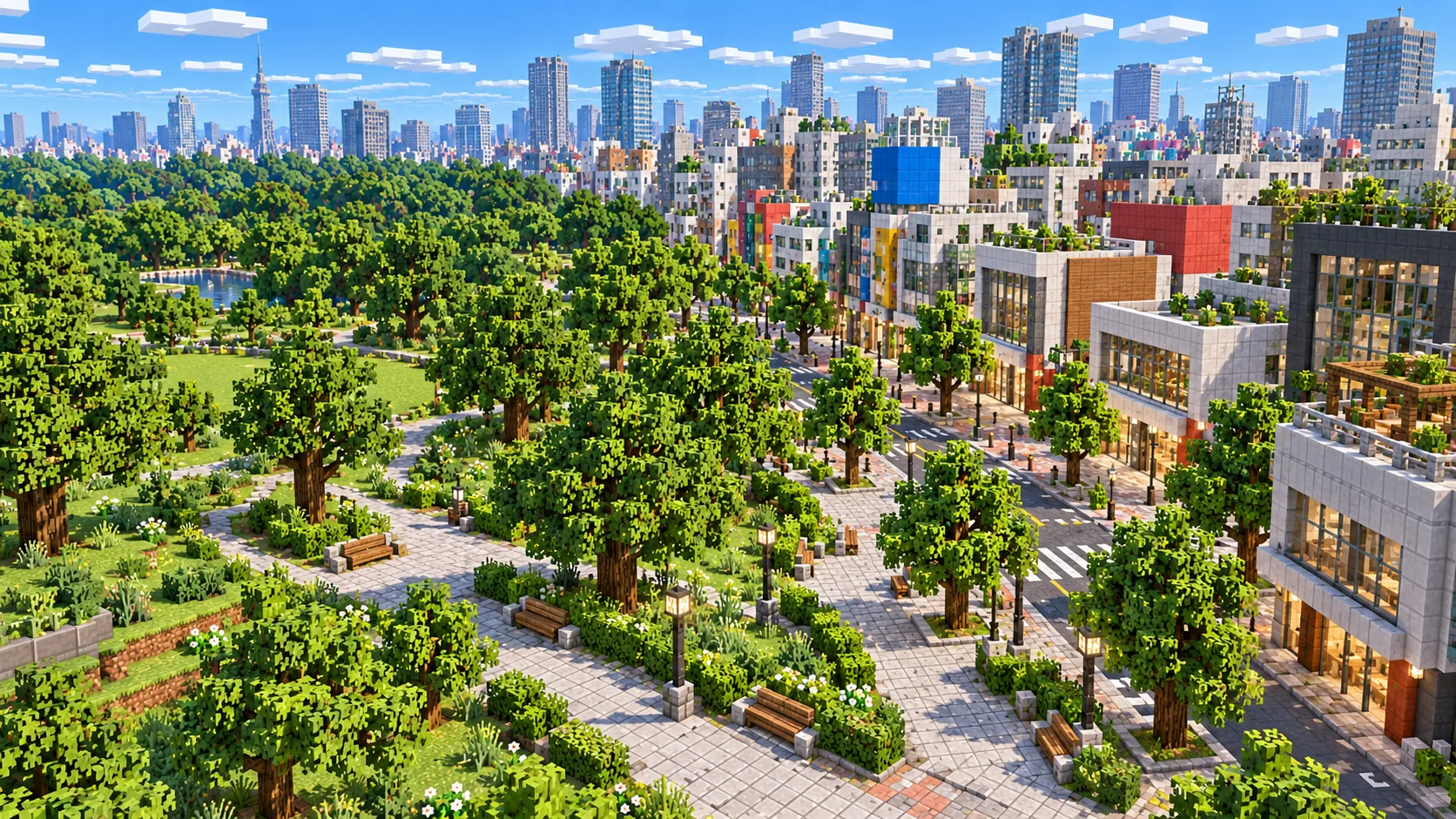
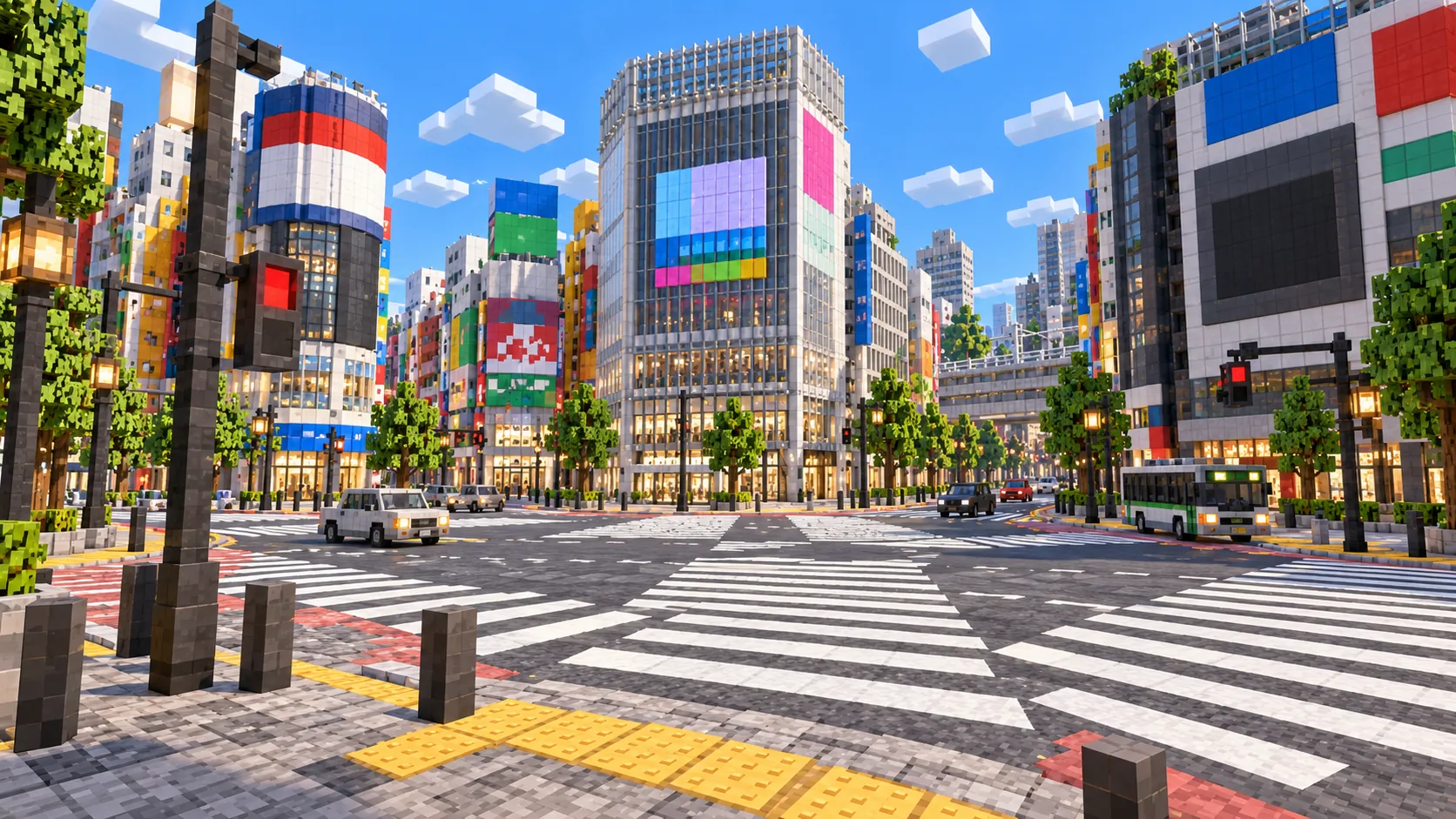
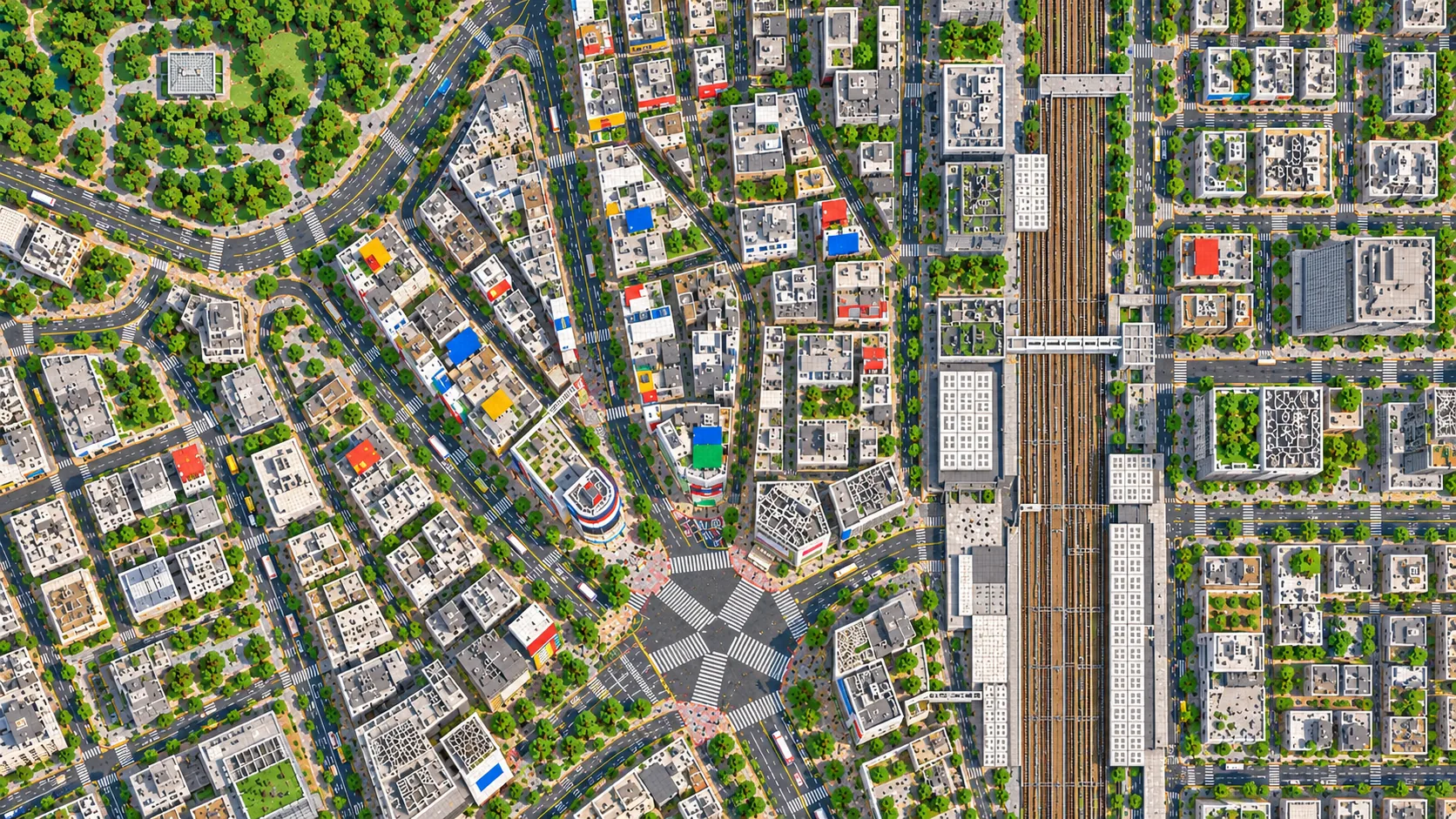
Illustrations. Generated worlds follow OpenStreetMap data and differ in detail.
03 / Why this city
Density is the main reason. A Tokyo selection the same size as a London or Chicago one holds far more individual buildings, lanes and alleys. That means more to discover on foot, more corners to build into, and a city that still feels busy when you have it to yourself.
The rail network adds a second layer. Elevated lines and station platforms give you long straight routes through the map, and they are natural places to build trains with redstone or minecarts. Few other cities have rail so tightly woven into the street plan.
Finally, each Tokyo preset has its own character. Shibuya is a valley of shops and crossings, West Shinjuku is a cluster of towers on a regular grid, and Asakusa mixes temple grounds, a covered shopping street and a wide river. Generate all three to see how varied a single city can be in Minecraft.
04 / Play
Challenge 01
Decorate the real building outlines with glowing signs, vending machines and shopfronts to recreate Shibuya at night.
Challenge 02
Follow the mapped rail corridors and build working minecart lines between stations on your server.
Challenge 03
The narrow lanes around Center Gai make one of the best multiplayer hide-and-seek maps you can generate.
Challenge 04
Generate Shibuya, Shinjuku and Asakusa and use them in a video about how different Tokyo neighborhoods feel.
05 / Download
Download the Shibuya starting area as a ready-made world for Java or Bedrock Edition.
Step-by-step help: Java import guide · Bedrock import guide
06 / Customize
Each area opens the generator with the rectangle already drawn. Move it, resize it or change the mode before you generate.
3.5 km²
The recommended starting area: the scramble crossing, Shibuya Station, Center Gai, Dogenzaka and Miyashita Park.
Open in generator2.8 km²
West Shinjuku: Shinjuku Station, the skyscraper district and the Tokyo Metropolitan Government Building.
Open in generator3.3 km²
Asakusa: Senso-ji temple grounds, the Sumida River and the Tokyo Skytree site on the far bank.
Open in generator07 / Limits
Map data © OpenStreetMap contributors, available under the Open Database License. Generated with the open-source Arnis project.
Yes. The crossing and the streets around Shibuya Station are at the center of the recommended starting area.
Yes. Use the Shinjuku or Asakusa customize links. Each opens the generator with that area already selected, and you can move or resize it.
No. Tokyo covers thousands of square kilometers. Generate individual neighborhoods within the per-map area limit and explore them one at a time.
Yes. The Java Edition download is a ZIP file with a normal world folder. Unzip it into your saves folder and open it from Singleplayer.
Yes. The Bedrock Edition download is an .mcworld file. Open it on Windows, a phone or a tablet and Minecraft imports the Tokyo world automatically.
No. At about one block per meter, the 634-meter tower is far beyond Minecraft's build height, so it cannot appear at its real height.
More maps
Guides