01
City blocks
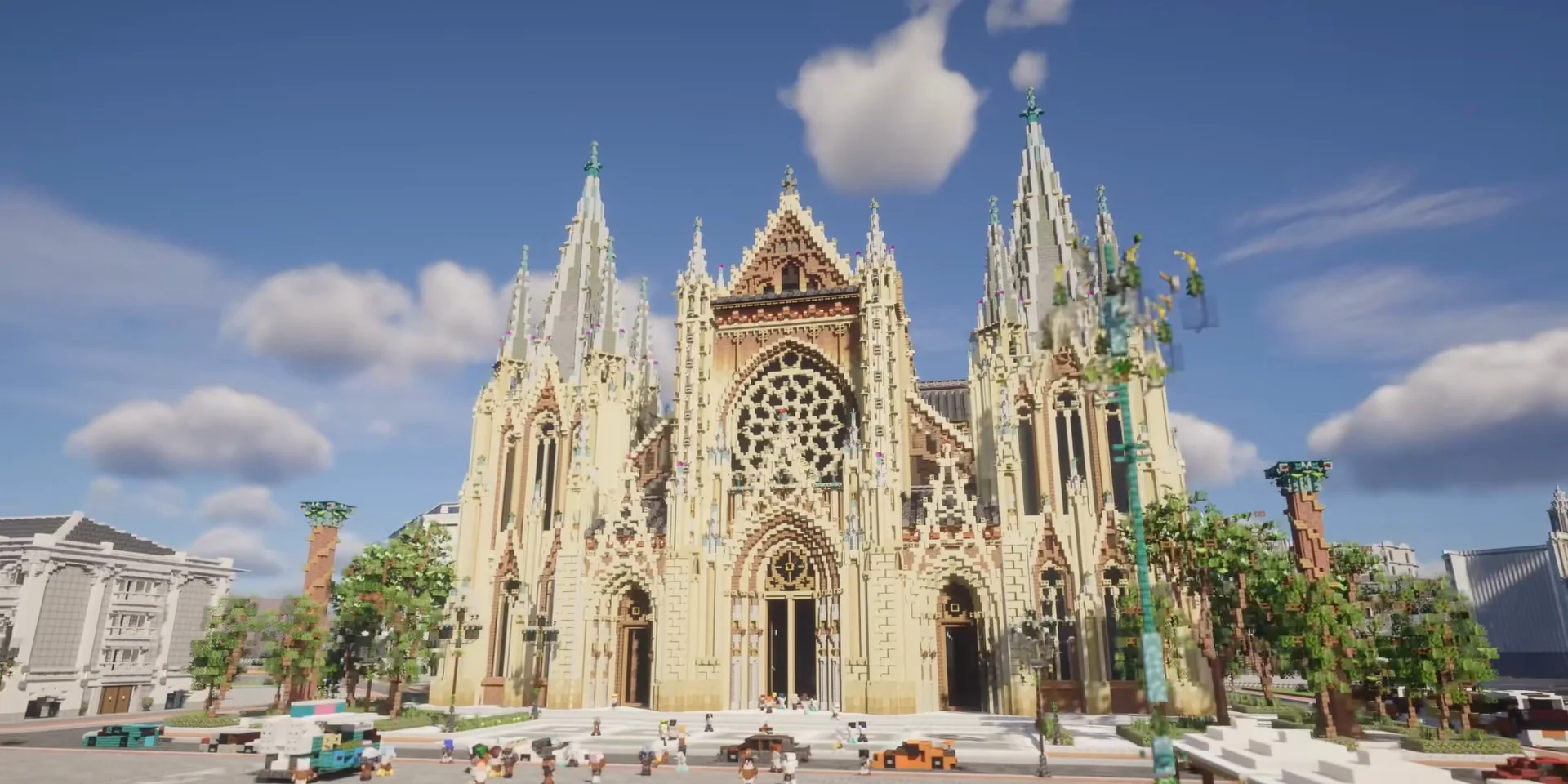
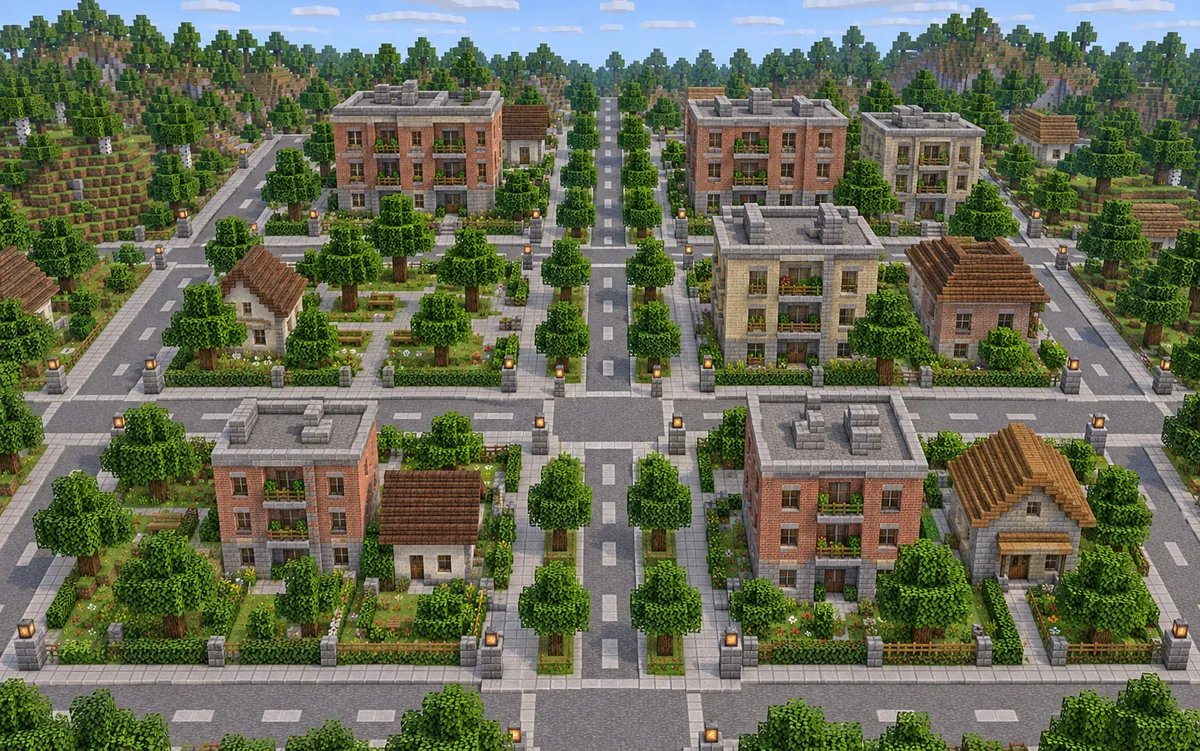
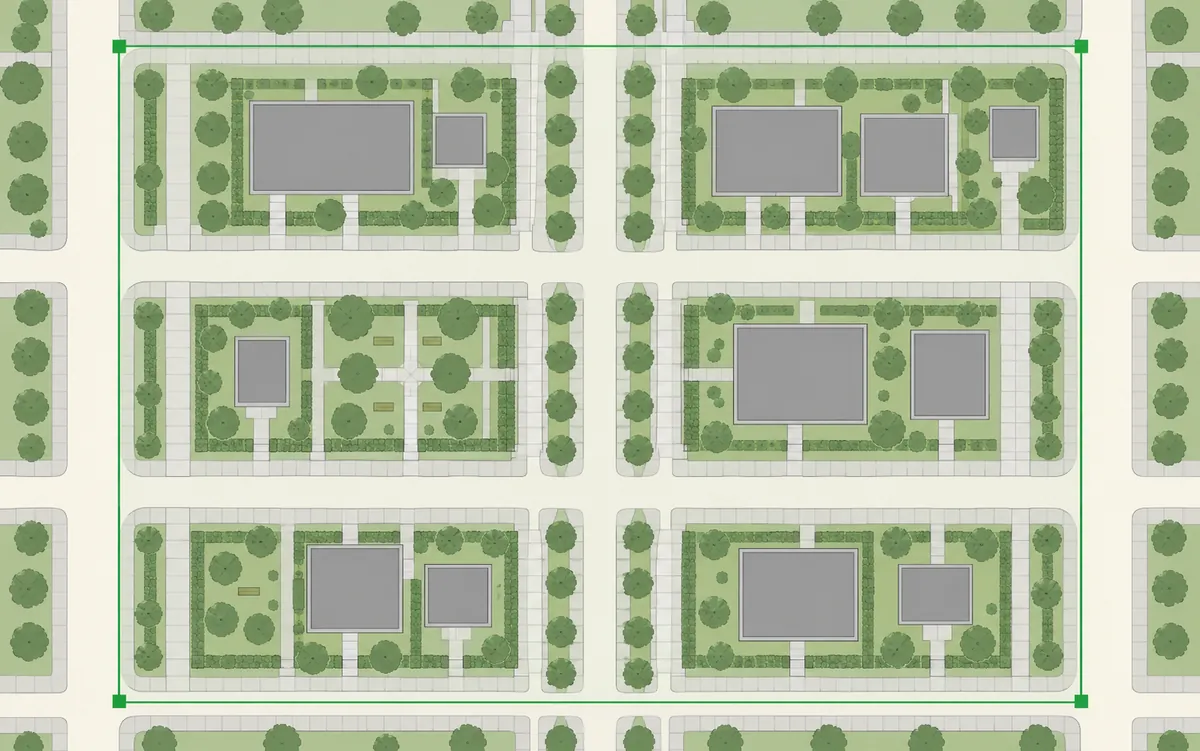
Follow the shape of streets and building footprints. Choose a compact section of a city to begin your real-world Minecraft map.
REAL PLACES. BLOCK BY BLOCK.
Turn real-world locations into playable Minecraft worlds directly in your browser with ArnisWeb, an independent web service built on the open-source Arnis project. Search a city, address, or landmark, select an area on the map, and generate buildings, roads, and terrain without setting up Arnis locally.
Choose any real-world location, select an area, and turn it into a playable Minecraft world.
Place search: Photon · OpenStreetMap contributors
THE BLOCK ATLAS
From quiet neighborhoods to extraordinary landmarks, explore a world built block by block.
Explore Minecraft scenes with buildings, streets and landscapes.
01 / Explore the Map
A city block, your neighborhood, a place you know by heart. Start with a small area and bring its geography into Minecraft.
Explore cities, neighborhoods and landscapes in Minecraft.
01
Follow the shape of streets and building footprints. Choose a compact section of a city to begin your real-world Minecraft map.
02
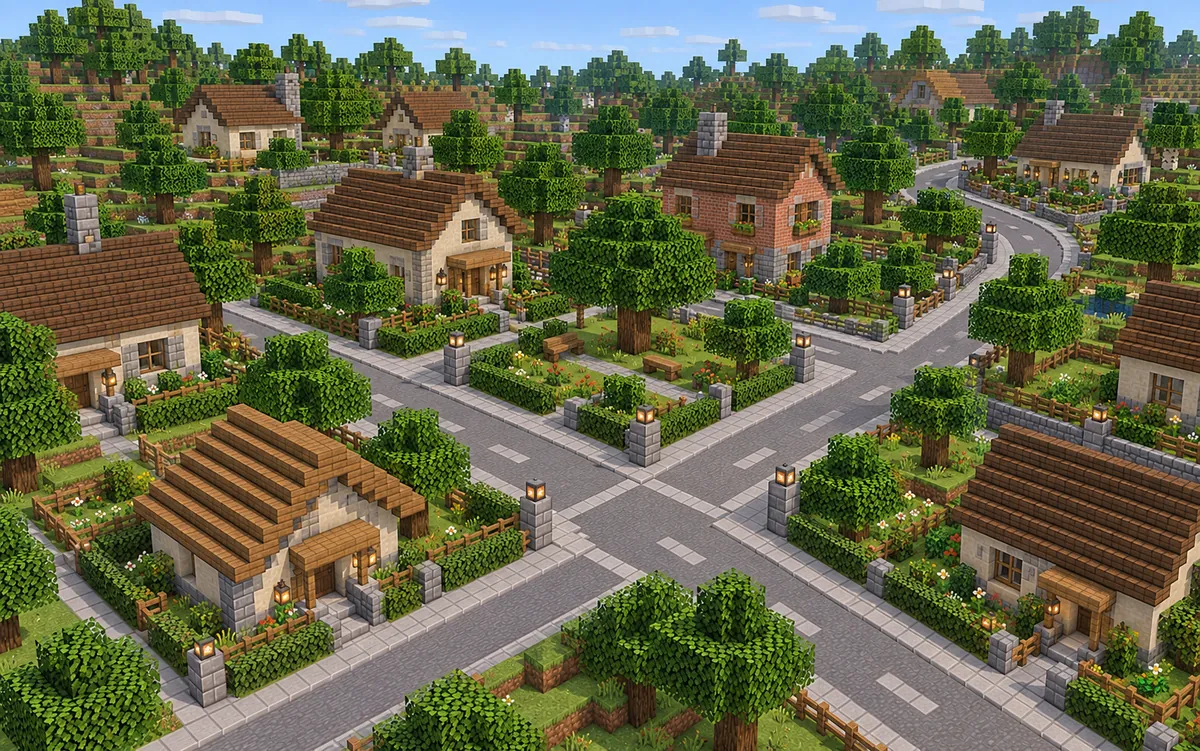
Find the streets you know, select a neighborhood, and generate a Minecraft world from its mapped roads and buildings.
03
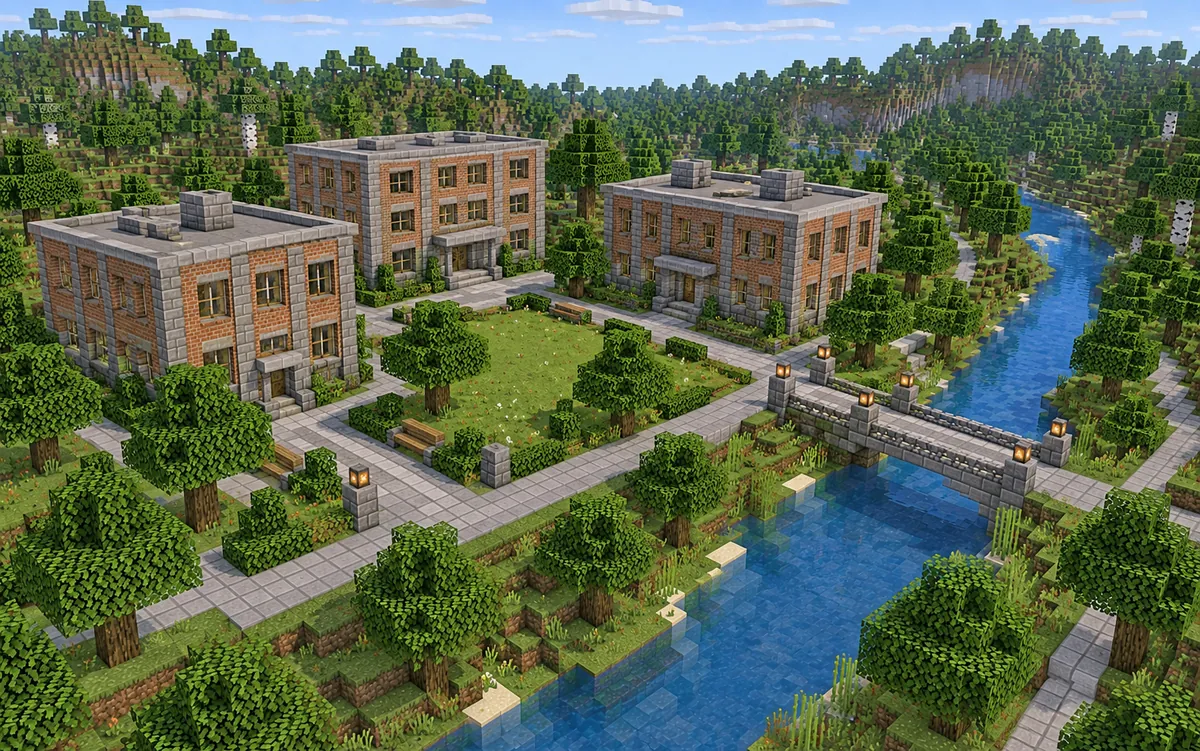
Look for a campus, park or riverside area. A small selection makes it easier to explore how real geography becomes a block-built world.
Select a rectangle on the live map above. The generator uses geographic features in that area to build your Minecraft world.
Map library
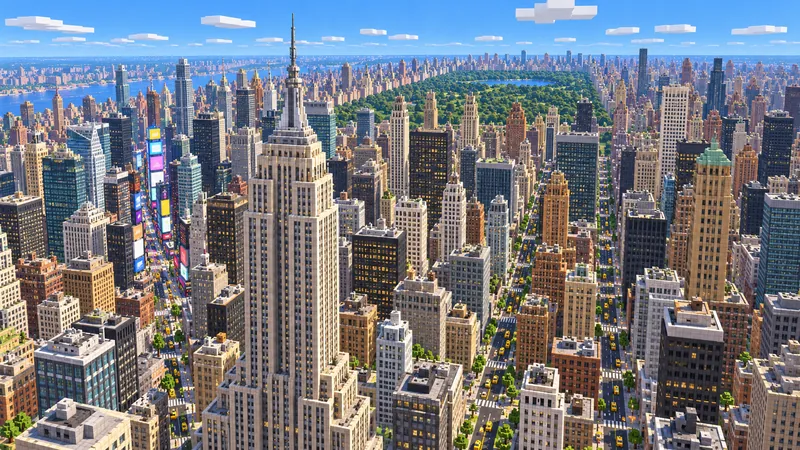 Limited-time free
United States
Midtown towers, the Manhattan street grid and the south end of Central Park.
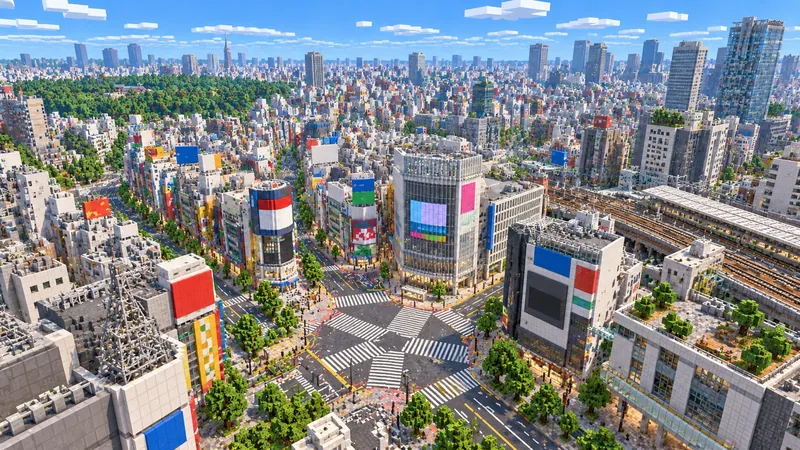 Limited-time free
Japan
The Shibuya crossing, its rail lines and the dense streets of the valley.
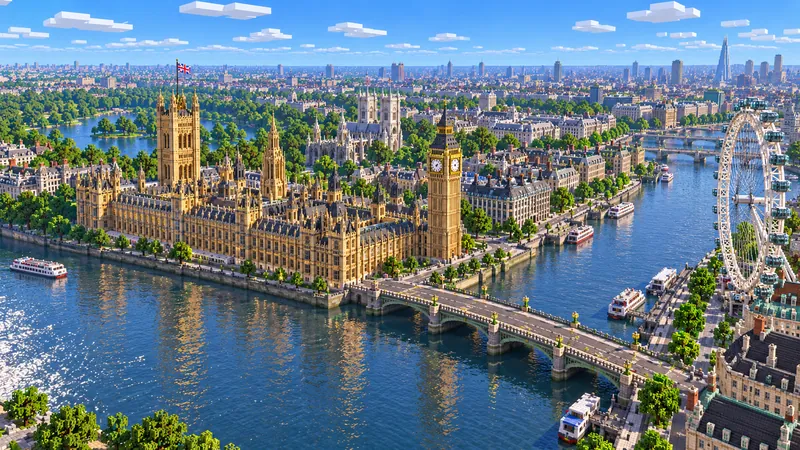 Limited-time free
United Kingdom
Westminster, the South Bank and the bends of the Thames between them.
02 / How it works
Go from finding a place to downloading a world in a few straightforward steps. Start small for your first generation.
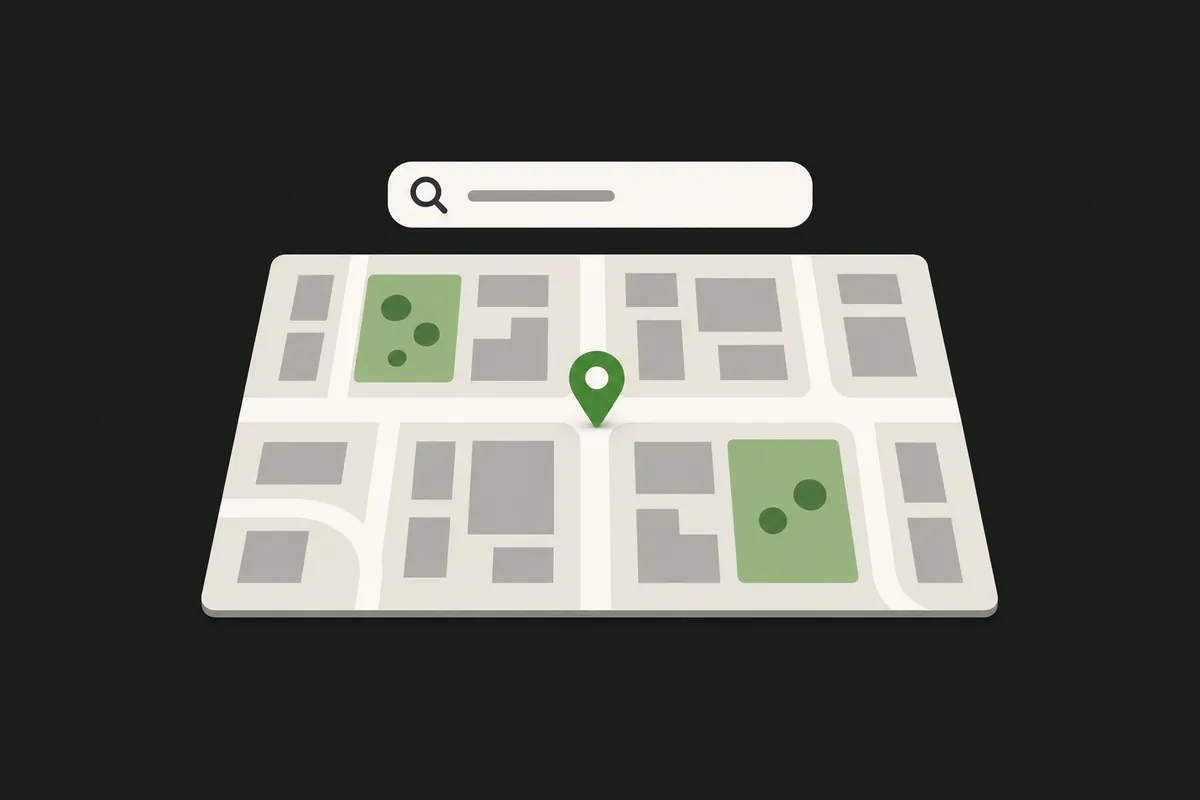
Search for a city, address or landmark. Move and zoom the map until the area you want is in view. Searching centers the map; you still choose what to generate.
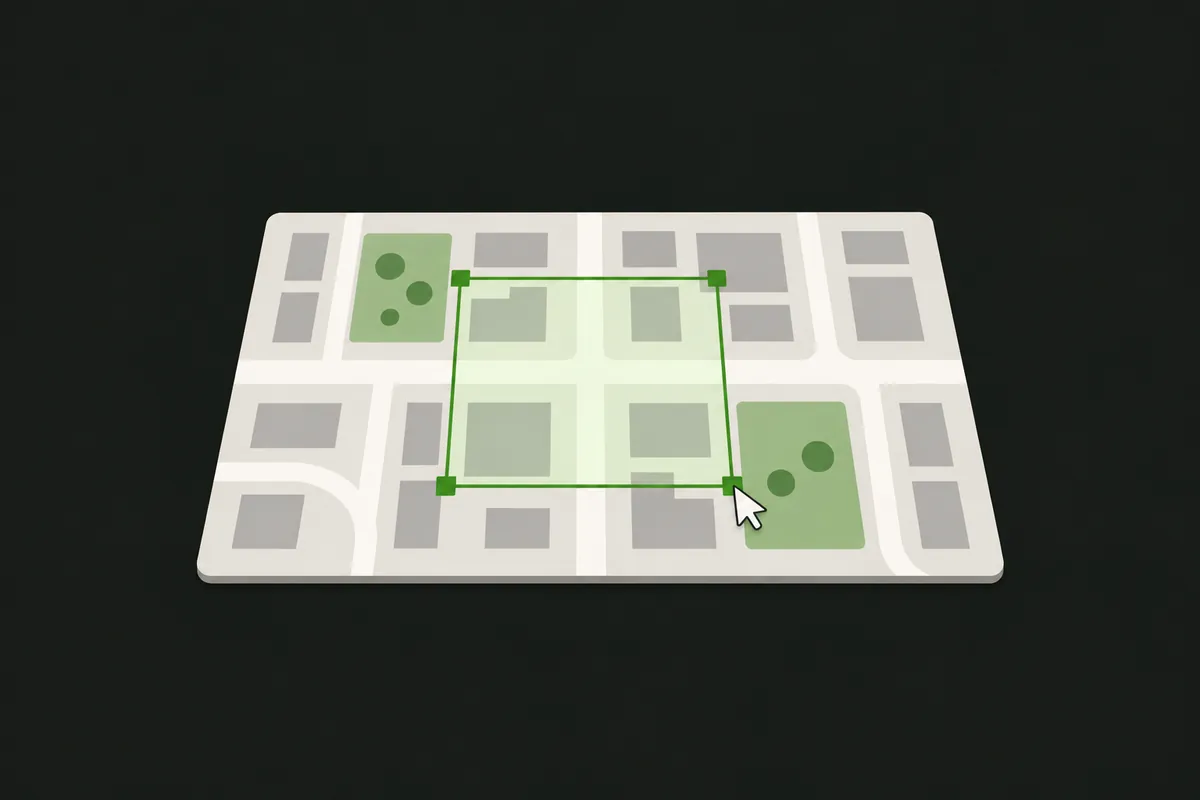
Draw a rectangle around a small area. Check its size, then choose an available edition and generation mode. The tool shows the current area limit before you start.
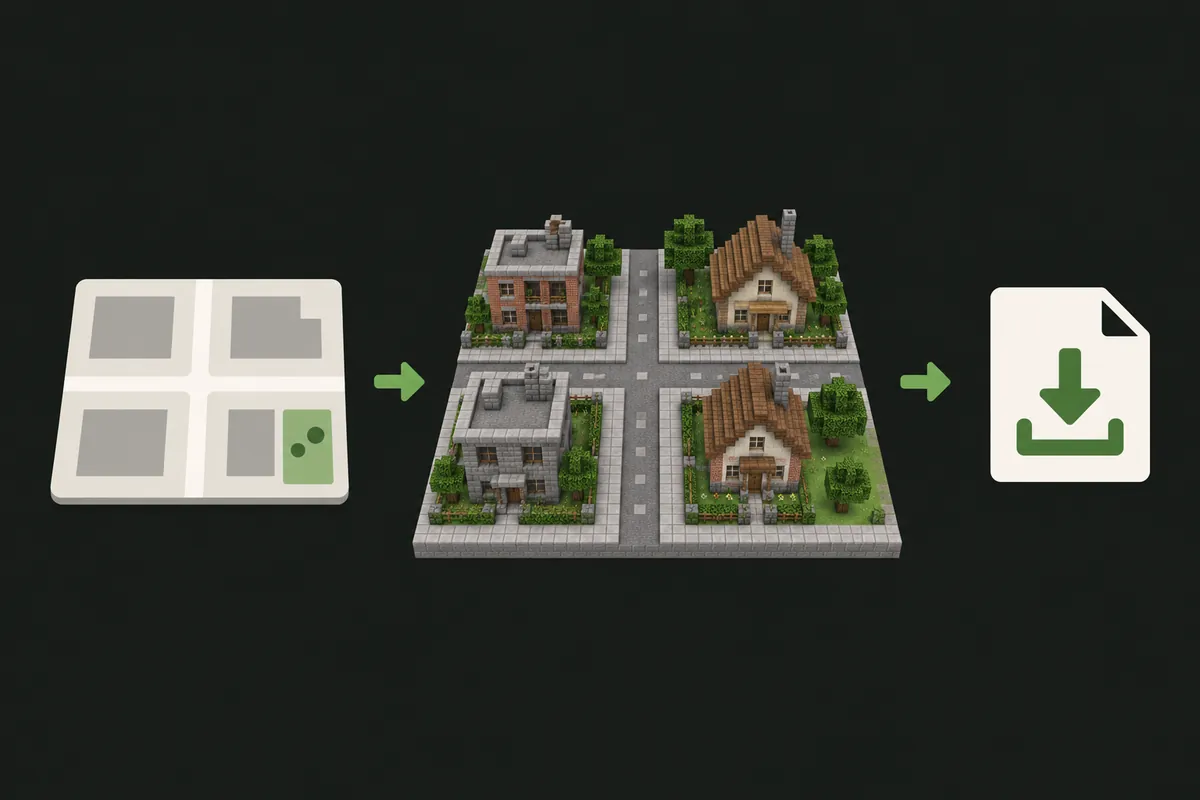
Start generation and keep the page open while it runs. Once the world is ready, download the file and follow the import process for your Minecraft edition.
03 / Real geographic data
Build Minecraft roads and buildings from OpenStreetMap features. Search for a well-mapped neighborhood and select the area you want to explore.
Create a custom Minecraft world from a selected real location. Use the live map to choose a neighborhood or city block, then adjust the available settings. This workflow starts with geography rather than a random world seed.
Generate and download a Java world as a ZIP world folder, directly in your browser. No desktop generator installation is needed. Open the downloaded world in Minecraft Java Edition.
04 / Pricing
Pick a points pack for occasional worlds, or get fresh points every month or year. Every plan lets you spend points on the maps you choose.
Pay for the year and save about 20% compared with monthly billing.
14,400 points
≈ 320,000,000 m² of map area at the standard rate
About $7.99 per month, billed yearly
Points expire at the end of each yearly billing period
Use points across multiple maps
Loading…31,200 points
≈ 693,330,000 m² of map area at the standard rate
About $15.99 per month, billed yearly
Points expire at the end of each yearly billing period
Use points across multiple maps
Loading…67,200 points
≈ 1,493,330,000 m² of map area at the standard rate
About $31.99 per month, billed yearly
Points expire at the end of each yearly billing period
Use points across multiple maps
Loading…Payments via Stripe. By purchasing, you agree to our Terms of Service.
05 / FAQ
What to know before you choose your first location.
Search for the location in the online map, draw a small rectangular selection, and choose an available edition and mode. Generate the world and download the result. You do not need to upload a map image or install a desktop generator.
Start with one neighborhood or a few streets. The current area limit is shown in the generator and may change with service capacity. A city name helps you find a location; it does not select or generate the entire city.
Use the download button when generation completes. Extract the Java ZIP and place the world folder in your Minecraft saves directory. The folder containing level.dat is the world folder. Back up existing saves and check game-version compatibility before opening it.
Java Edition worlds are fully supported and download as a ZIP world folder. Bedrock (.mcworld) output is available when shown as selectable in the generator; see the Bedrock import guide for device steps.
OpenStreetMap is maintained by contributors, and coverage varies by location. Missing footprints, incomplete roads or limited height data affect the generated world. Try another well-mapped area or a smaller selection to understand the available detail.
No. This Minecraft world generator uses real geographic locations. It does not find seeds, locate structures in an existing seed, or recreate the entire Earth. You choose a specific area on the map and generate a world from its available data.
Generation time depends on selection size, map detail, generation mode and service load. Start with a small area, keep the page open, and follow the status updates until your download is ready.
REAL PLACES. BLOCK BY BLOCK.
Find somewhere familiar. Select a small area. See where it takes you.
Guides
