Challenge 01
Creative building
Use the generated footprints as a scaffold. Add facades, lobbies, rooftop gardens and subway entrances to the buildings you know best.
United States / City map
Walk the Manhattan grid block by block. This New York Minecraft map starts in Midtown, between the Empire State Building, Times Square and the southern edge of Central Park, and every street comes from real OpenStreetMap data. Start from the recommended area or move the selection to the part of the city you want.
Java Edition · Bedrock Edition
01 / Overview
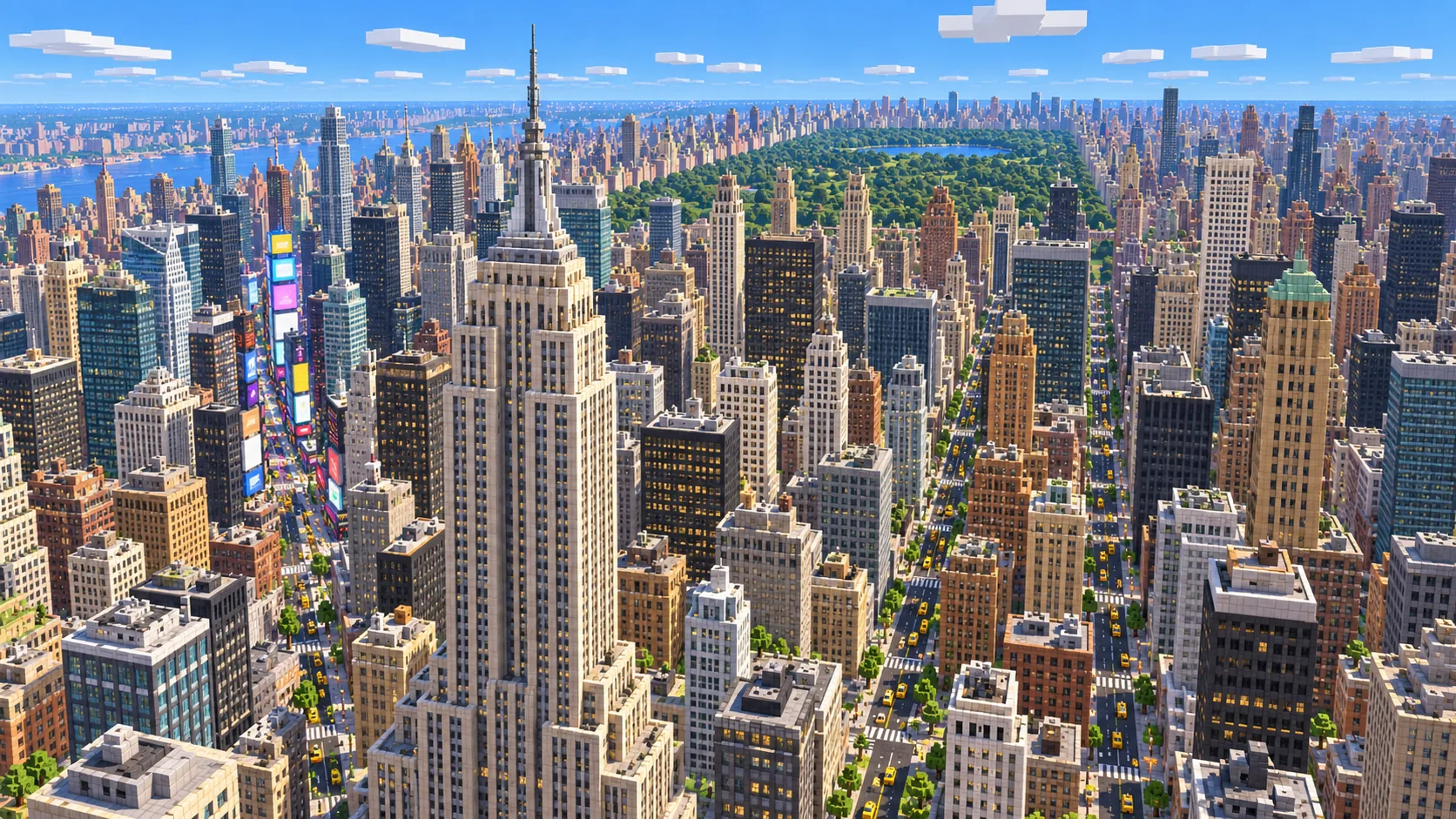
Manhattan is one of the most recognizable street plans in the world. Most of the island north of Houston Street follows the grid laid out in 1811: numbered streets run crosstown, long avenues run up the island, and Broadway cuts across both on a diagonal. That diagonal is why Times Square and Herald Square are bow-tie shaped, and you can still see those shapes when the city is rebuilt one block per meter.
This map is generated, not hand-built. The generator reads OpenStreetMap roads, building footprints, parks and water for the selected rectangle and turns them into blocks, then adds terrain from elevation data. The result is a Midtown you can walk at true scale. Crossing from Fifth Avenue to Sixth takes about as many steps in Minecraft as it does in the real city.
It suits builders who want a real street plan to decorate, survival players who like tall structures and long sightlines, and anyone who wants to show a familiar part of New York inside Minecraft. Manhattan as a whole is far larger than one generation allows, so the page also offers smaller starting areas for Lower Manhattan and Central Park.
02 / Inside the map
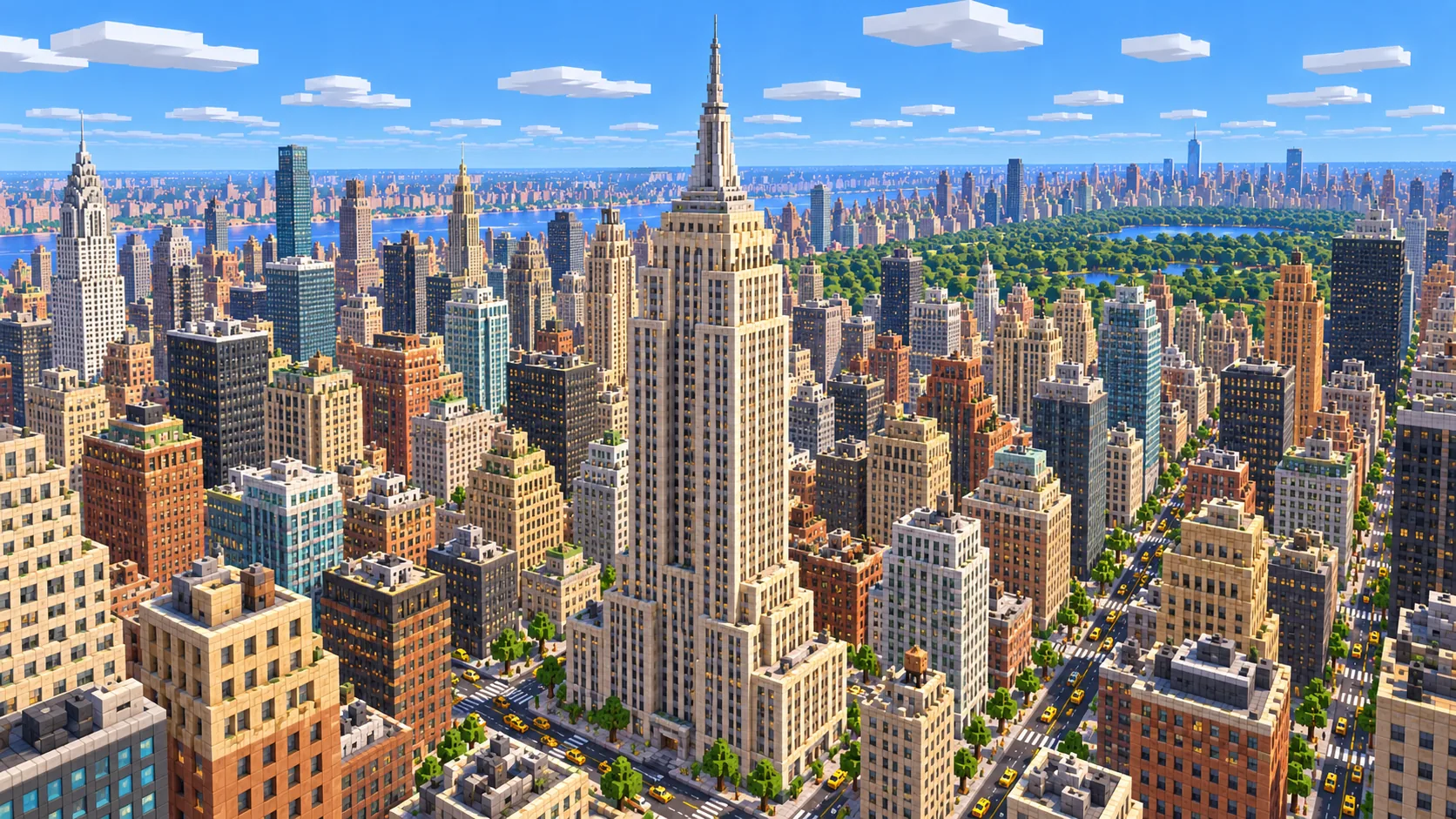
The recommended starting area covers Empire State Building, Times Square, Bryant Park, Rockefeller Center and the south edge of Central Park. Places marked as separate presets are outside it. Open them from the customize section below.
The southern anchor of the starting area. Its footprint and the busy blocks around 34th Street mark where Broadway crosses Sixth Avenue.
Broadway and Seventh Avenue meet here in the diagonal plaza that makes Times Square easy to find from above.
A rare open rectangle in the middle of Midtown, useful as a landmark when you explore at street level.
The dense blocks north of 47th Street lead up to the hard edge where Midtown meets the park.
The ponds, lawns and paths around the southern end of the park. Use the Central Park preset to start further inside it.
Older, irregular streets around Wall Street, the World Trade Center site and the harbor edge. Available as its own preset.
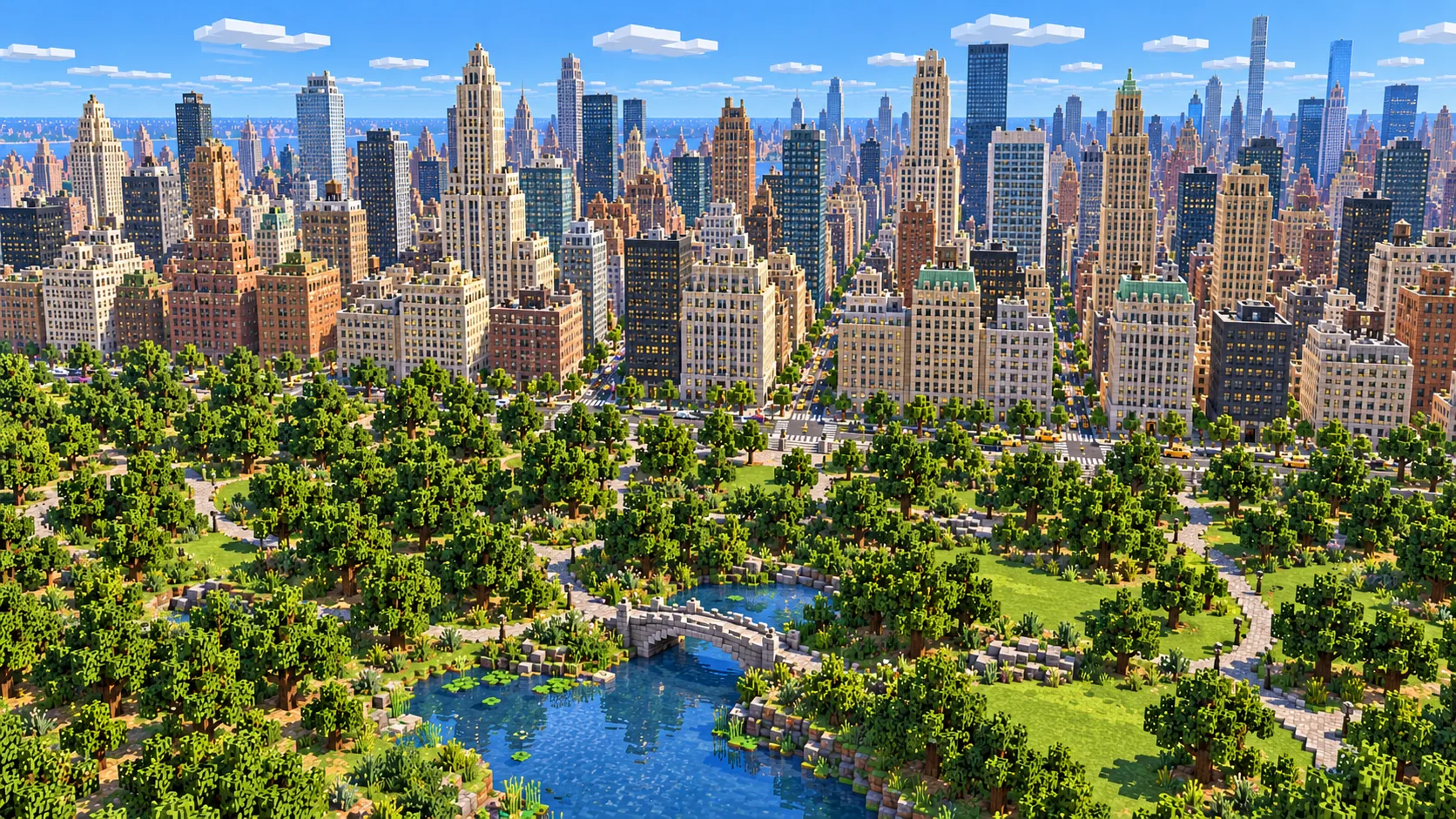
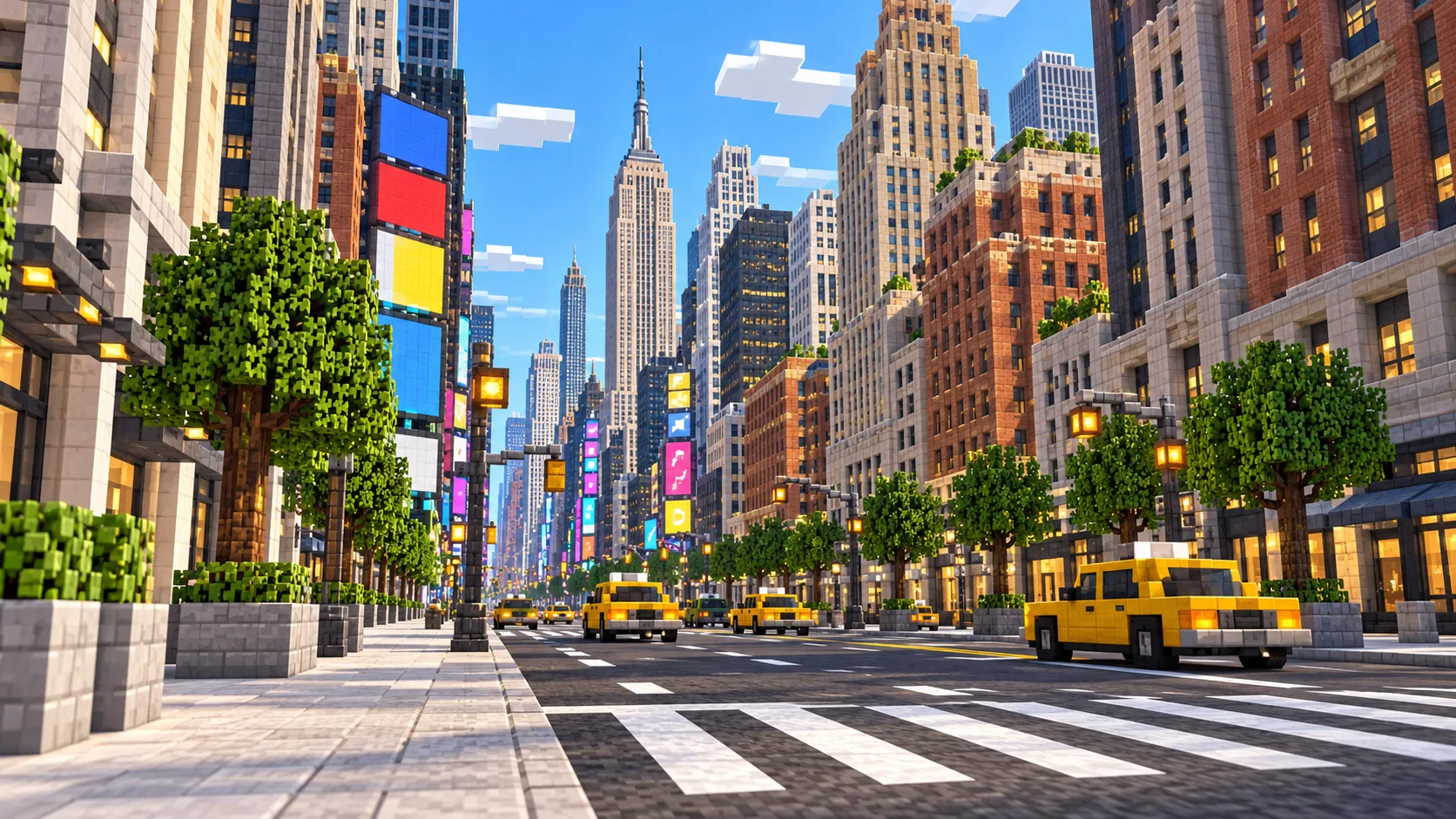
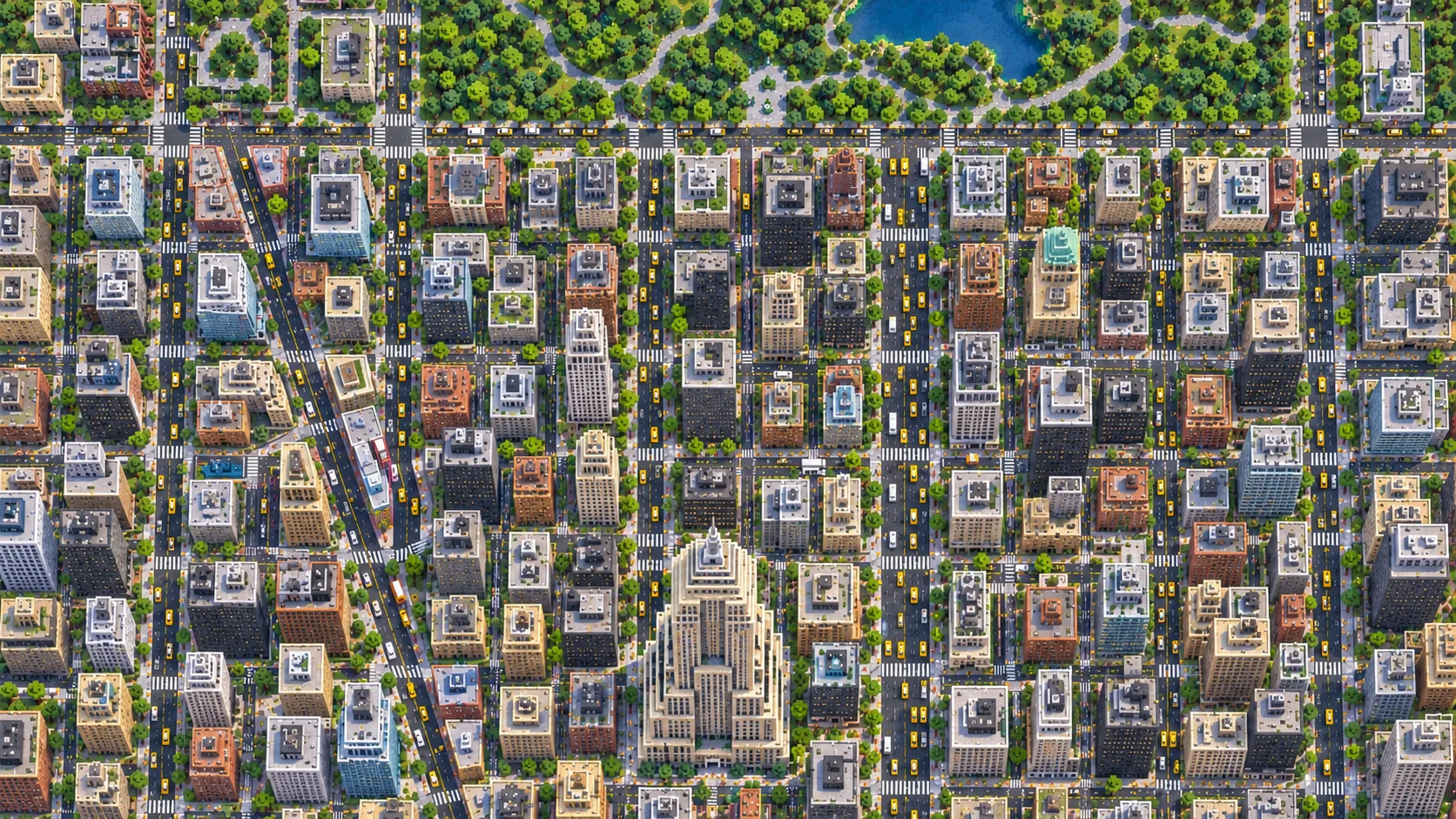
Illustrations. Generated worlds follow OpenStreetMap data and differ in detail.
03 / Why this city
The grid gives you instant orientation. Because avenues and streets meet at right angles, a Minecraft city built from Manhattan is easy to navigate without a map mod: count the blocks and you know where you are. Broadway breaks that rhythm and creates the triangular plazas that become natural meeting points on a server.
Midtown is also unusually well mapped. Many buildings in OpenStreetMap carry height or level tags, so towers rise to different heights instead of forming a flat block of identical boxes. Where tags are missing, buildings use a default height, so some blocks look lower than they are in reality. The very tallest towers can also run into Minecraft's build height limit.
Then there is the edge of Central Park. Moving from the narrow street canyons of 57th Street into the open green space of the park is one of the most dramatic contrasts you can generate from a single small selection.
04 / Play
Challenge 01
Use the generated footprints as a scaffold. Add facades, lobbies, rooftop gardens and subway entrances to the buildings you know best.
Challenge 02
Start in Creative to look around, then switch to Survival and try crossing Midtown from roof to roof without touching the street.
Challenge 03
Give each team an avenue. The grid makes it easy to split districts, set up shops along a street, or run a delivery game between named corners.
Challenge 04
Record a fly-through from Herald Square up to the park, or put a real street view next to the generated block and compare them.
05 / Download
Download the Midtown Manhattan starting area as a ready-made world for Java or Bedrock Edition.
Step-by-step help: Java import guide · Bedrock import guide
06 / Customize
Each area opens the generator with the rectangle already drawn. Move it, resize it or change the mode before you generate.
5.6 km²
The recommended starting area: the core of Midtown from 34th Street up to the south edge of Central Park.
Open in generator3.0 km²
Battery Park, Wall Street and the World Trade Center site, where the streets are older and less regular.
Open in generator4.0 km²
The southern part of Central Park with Columbus Circle and the edges of the Upper West and Upper East Side.
Open in generator07 / Limits
Map data © OpenStreetMap contributors, available under the Open Database License. Generated with the open-source Arnis project.
Not in a single selection. Manhattan is about 59 km², more than the per-map limit. Generate it in parts, for example Midtown, Lower Manhattan and the area around Central Park, and keep each selection a size you can explore.
Yes. The Java Edition download is a ZIP file with a normal world folder. Unzip it into your saves folder and open it from Singleplayer.
Yes. The Bedrock Edition download is an .mcworld file. Open it on Windows, a phone or a tablet and Minecraft imports the New York world automatically.
Street positions, block shapes, parks and water follow OpenStreetMap closely, at roughly one block per meter. Building heights are as good as the height tags in the data, and detailed facades or landmark shapes are not reproduced.
Its footprint and surrounding blocks are in the Midtown starting area. Its height depends on the map data, and its spire may be limited by Minecraft's build height.
Yes. Upload the generated world folder to your Java server as you would any other world, and keep the OpenStreetMap attribution with it.
Yes. Each customize link opens the generator with that area already selected. You can resize or move the rectangle, choose a mode, and then decide whether to generate.
More maps
Guides